Attendance Board
The menu item Attendance Board provides you with an overview of the attendance status of all or selected employees.
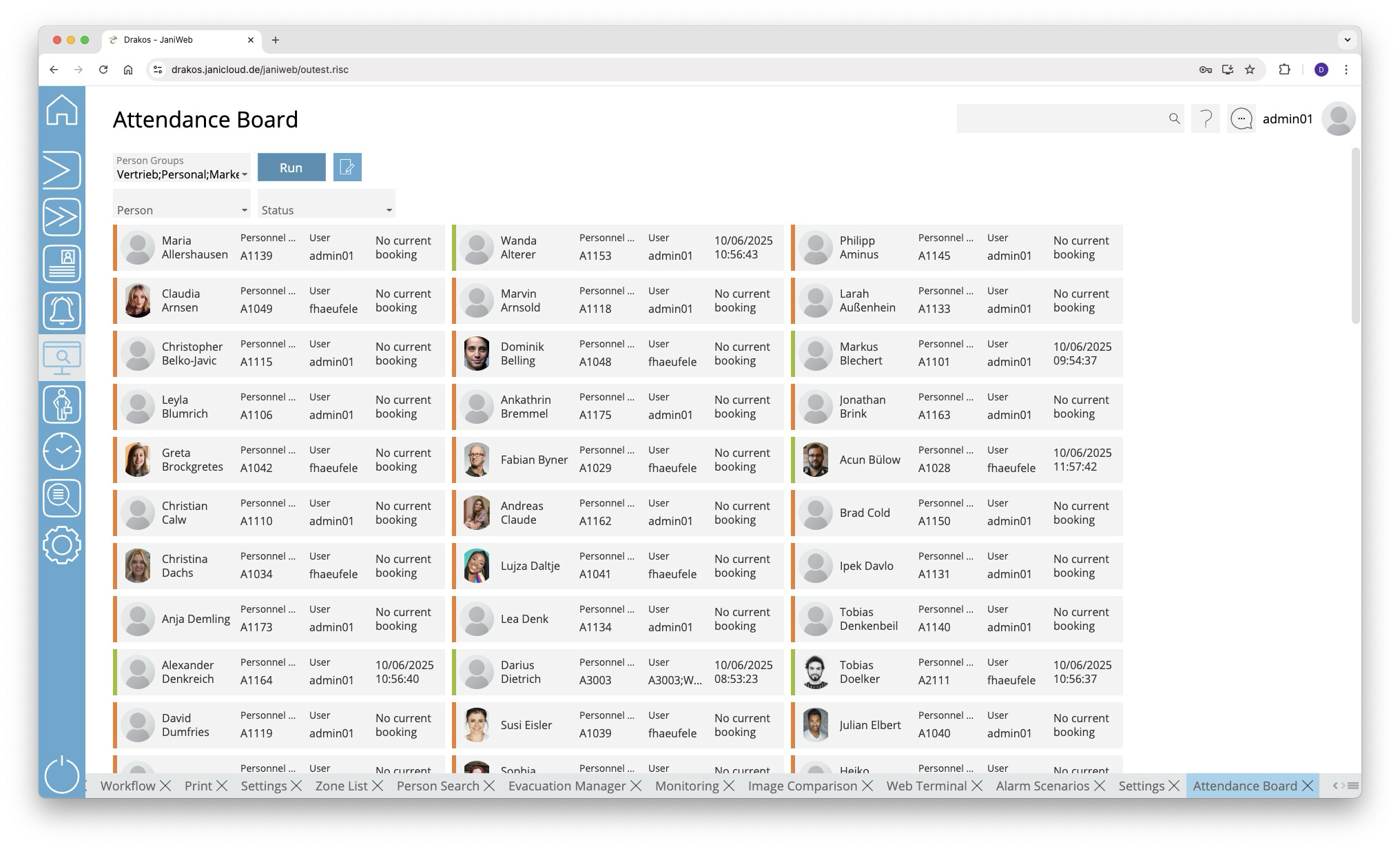
List field Person Groups
Select the person group(s) for which the attendance status should appear and press Run.
Button Run
Press Run to update the view according to the selected criteria.
Button Edit person group
Press this button to view the definitions of the person groups or to add a new person group. For more information on creating person groups, see the section Person Groups.
Filter displayed persons
Use the following fields to filter the persons displayed.
- Person: Select the person(s) you want to display.
- Status: Select which presence status you want to display. You can specify which options are available here in the Settings.
- Zone: Select the zone(s) for which you want the presence status to be displayed.
- Sort by: If a field is selected here, the people displayed will be grouped according to the value of the selected field.
Press Run to refresh the view.
Option Group by Person Groups
If this option is selected, people are displayed grouped into sections according to their person groups.