Holiday Calendar
Use this menu item to manage bank and individual holidays.
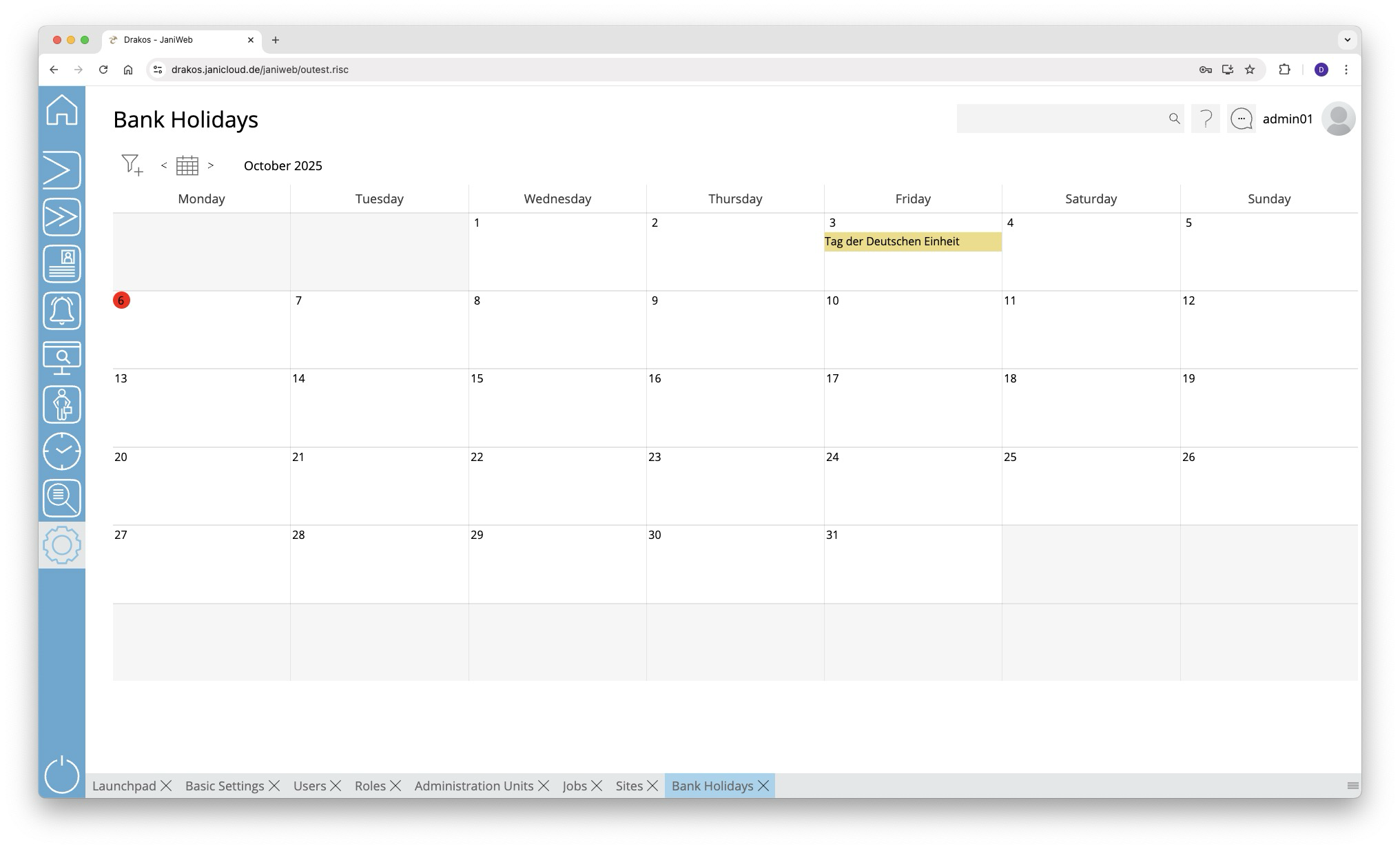
Holiday Calendar
Editing a Holiday
Double-click on the holiday you want to change.
- Press Save to apply the changes.
- Press Delete to remove the holiday.
Creating a New Holiday
- Right-click on the relevant day and select Create new.
- Enter a Description for the holiday.
- Select the Holiday Calendar for the holiday.
- Select a Holiday class to specify whether time profiles should apply on this holiday.
- Press Save.
TIPS
Use the filter icon in the upper left corner of the calendar to restrict the view to certain holiday calendars.