Workflow
The menu option Workflow allows you to manage the approval process, for example, to process absence requests or to secure the assignment of permissions.
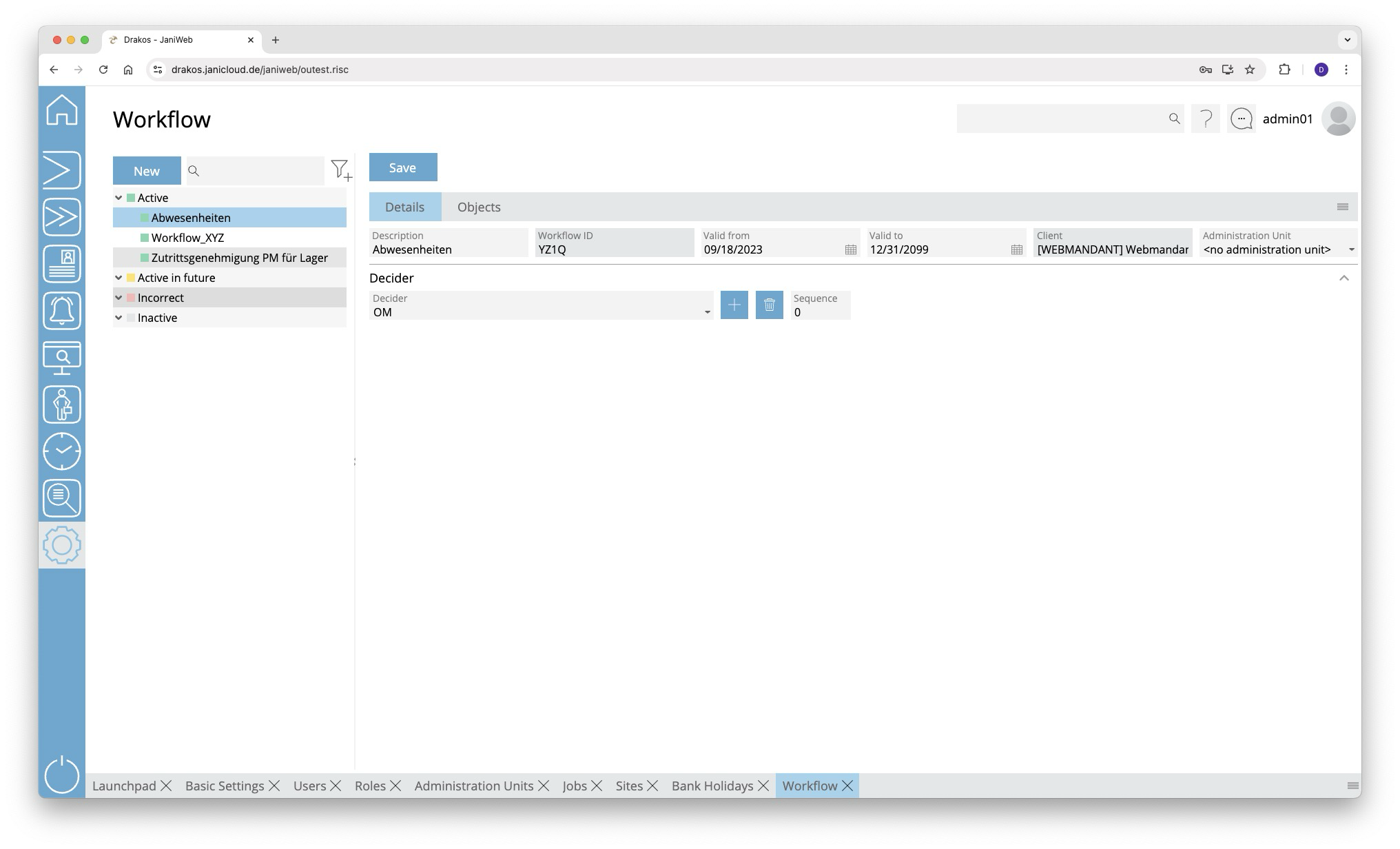
List of workflows
The list contains all workflows that have already been created. Select an entry to view details.
Button New
Press New to create a new workflow. Enter a description, a validity period, and a client, and press Save.
Tab Details
In the area Approve, specify the persons who are allowed to approve a request created for this workflow.
- Select a Decision Maker. Press the plus icon to add further decision makers.
- Sequence: If there are several decision makers, use this to determine the sequence in which the request must be approved. Enter a number for each. If the same number is entered for two decision makers, both must approve for the request to proceed to the next step in the workflow.
Tab Objects
Use this to determine what triggers the workflow.
List Object Type
- Select Absence to trigger the workflow by absence requests, home office times or similar.
- Select whether absence times in the Past and/or in the Future should be taken into account.
- Select Booking if the workflow is to be triggered by manually creating bookings.
- Select whether booking times in the Past and/or in the Future should be taken into account.
- Select whether booking times in the Past and/or in the Future should be taken into account.
- Select Permissions if the workflow should be triggered when permissions are assigned for specific devices or device groups.
- Select the Device and/or Device Groups for which the workflow should apply. Press the plus icon to add further devices or device groups.
- (Optional) Under Person Groups, define which persons trigger the workflow when they try to assign permissions for the specified devices or device groups.
For information on how to edit workflow requests, see the Workflow section.
Alternatively, you can also define the respective workflow for individual absence types in the module Time and Attendance > Settings > Tab Absence.
TIPS
A Workflow Report allows you to track all approvals.