
Employee Logins
Use this menu item to determine which persons were logged into JaniWeb during a specific period and which were not.
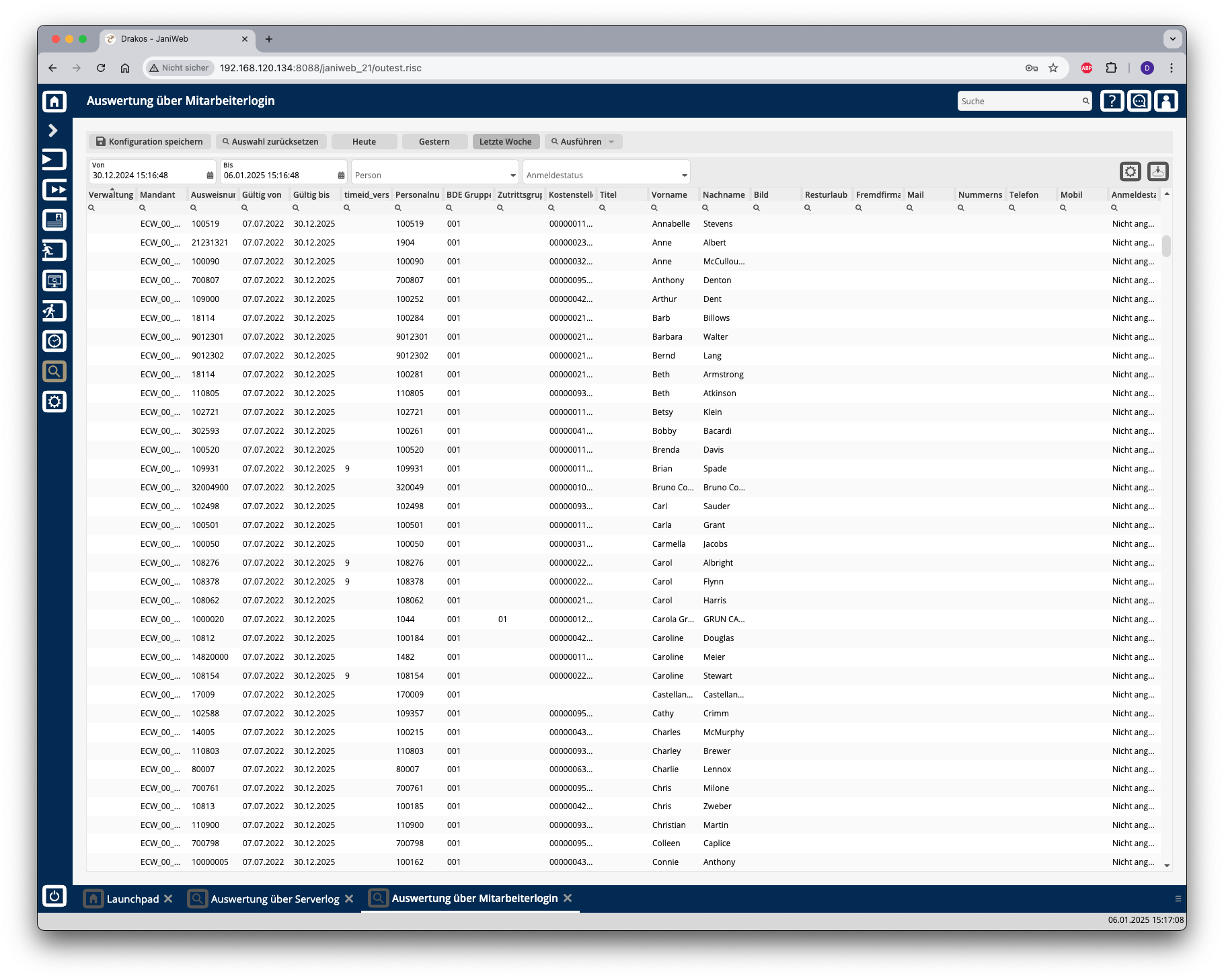
Creating the report
(Optional) Select a Person and/or a Login status to narrow the report.
Press Run to start the report.
Further options with the report
Export the entire list: Press the download icon. Select the format in which you want to export the list. The export files are downloaded or displayed depending on the browser/operating system settings.For details on the available export formats, see the General > Export Formats chapter of this manual. Save report: For details on saving reports, see the chapter General > Custom Reports.
Button Reset Selection
Press Reset Selection to reset all fields to their initial value.