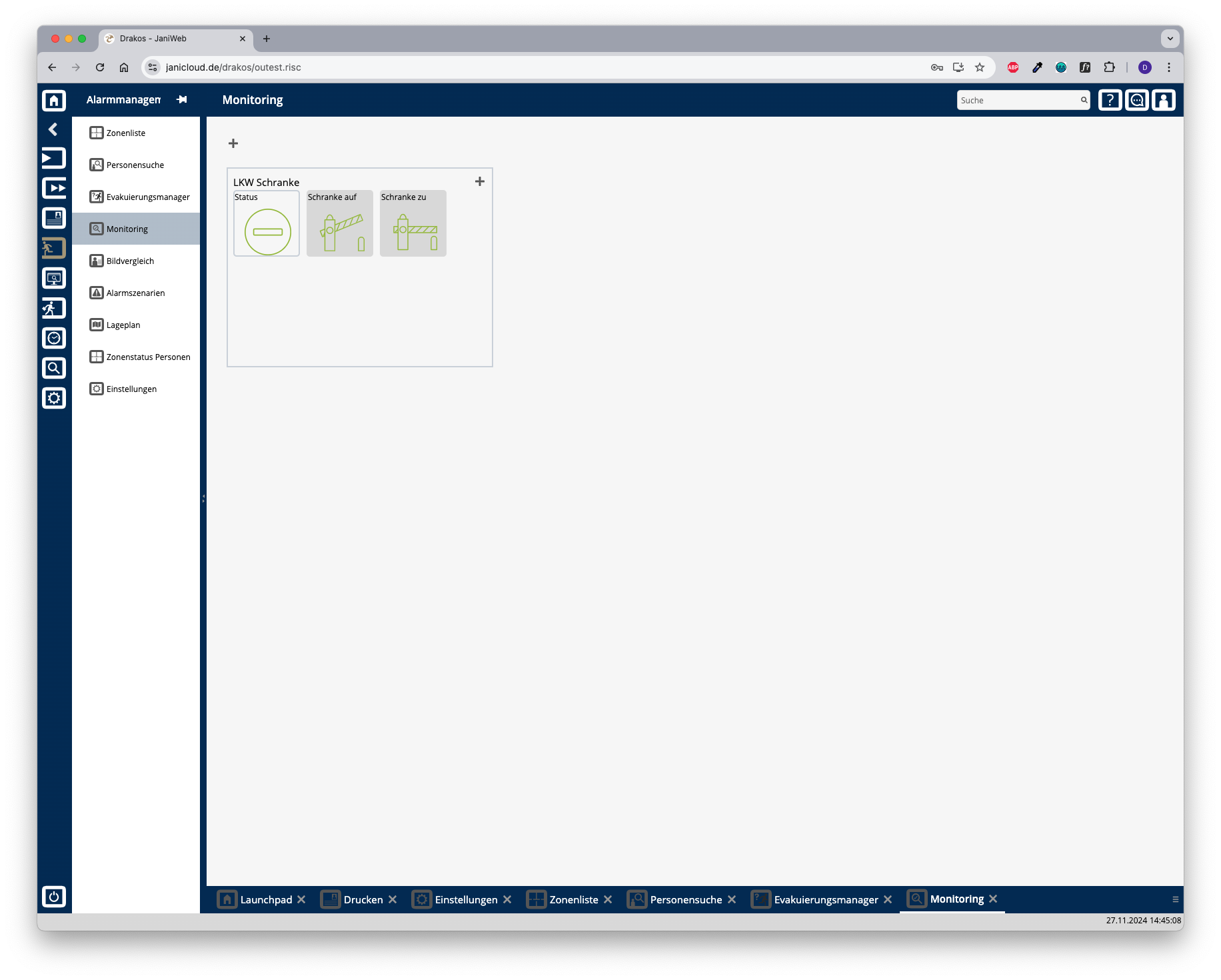
Monitoring
You can use the menu item Monitoring to create modules that contain different types of switches. Switches can display the status of a device or control it at the touch of a screen button.
Plus icon for modules
To create a new module:
Press the plus icon.
Then select a Plant for the module. Modules are only visible for the current plant.
Enter a meaningful Name.
Press Save.
Plus icon for switches
To create a new switch for a module:
Press the plus icon within the module.
Select the type of switch you want to create (Status, Control, Hybrid).
Enter a meaningful name.
Select the device that is to be mapped by the switch and define the required settings.
Switch types
Status
A switch of the type Status can represent up to four different states of the device in question.
Offset: Select the position in the booking record that is to be checked for the status.
Event Type: Select the booking type that is to define the status.
StatusA to StatusD: Enter the required value for each status. You can use the Upload buttons to store a separate image for each status.
Press Save to apply the changes.
Control
A Control switch allows you to control a device.
BPA9: Enter the data that should be sent to the device when the switch is pressed.
Buttons Upload: Upload a suitable image for the switch.
Press Save to apply the changes.
Hybrid
A Hybrid switch can both control and display up to four statuses.
BPA9: Enter the data that should be sent to the device when the switch is pressed.
Offset: Select the position in the booking record that is to be checked for the status.
Event Type: Select the booking type that is to define the status.
StatusA to StatusD: Enter the required value for each status. You can use the Upload buttons to store a separate image for each status.
Press Save to apply the changes.
Delete or change a module/switch
Right-click on a switch or in a module and select Remove or Edit.