
Scan for Bookings
Use this report, for example, to show a person a remaining time (e.g. for a smoke break) based on a booking.
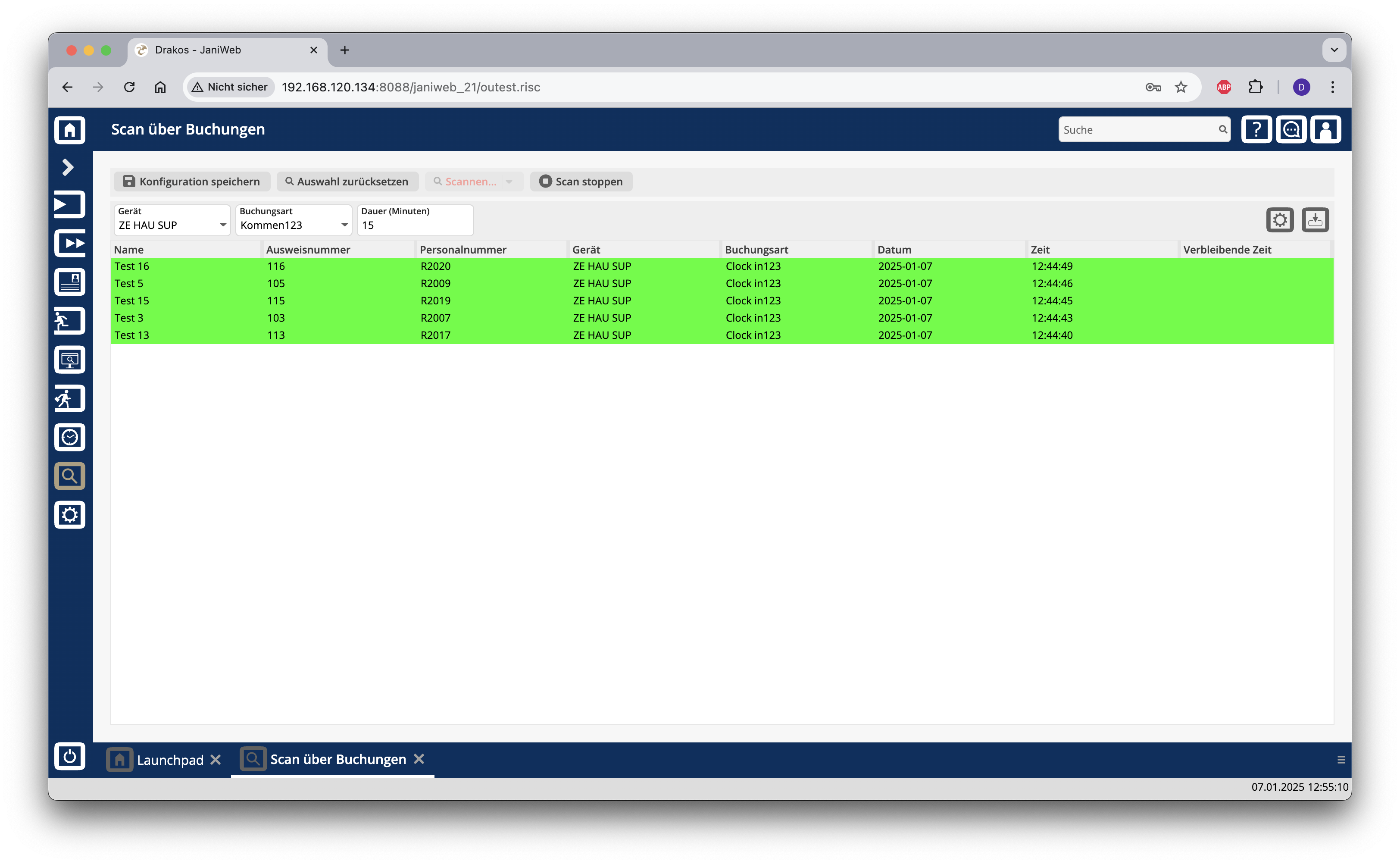
Starting a bookings scan
The column Remaining time shows the time remaining.
To cancel the scan, press Stop scanning.
Use this report, for example, to show a person a remaining time (e.g. for a smoke break) based on a booking.
The column Remaining time shows the time remaining.
To cancel the scan, press Stop scanning.