
Settings
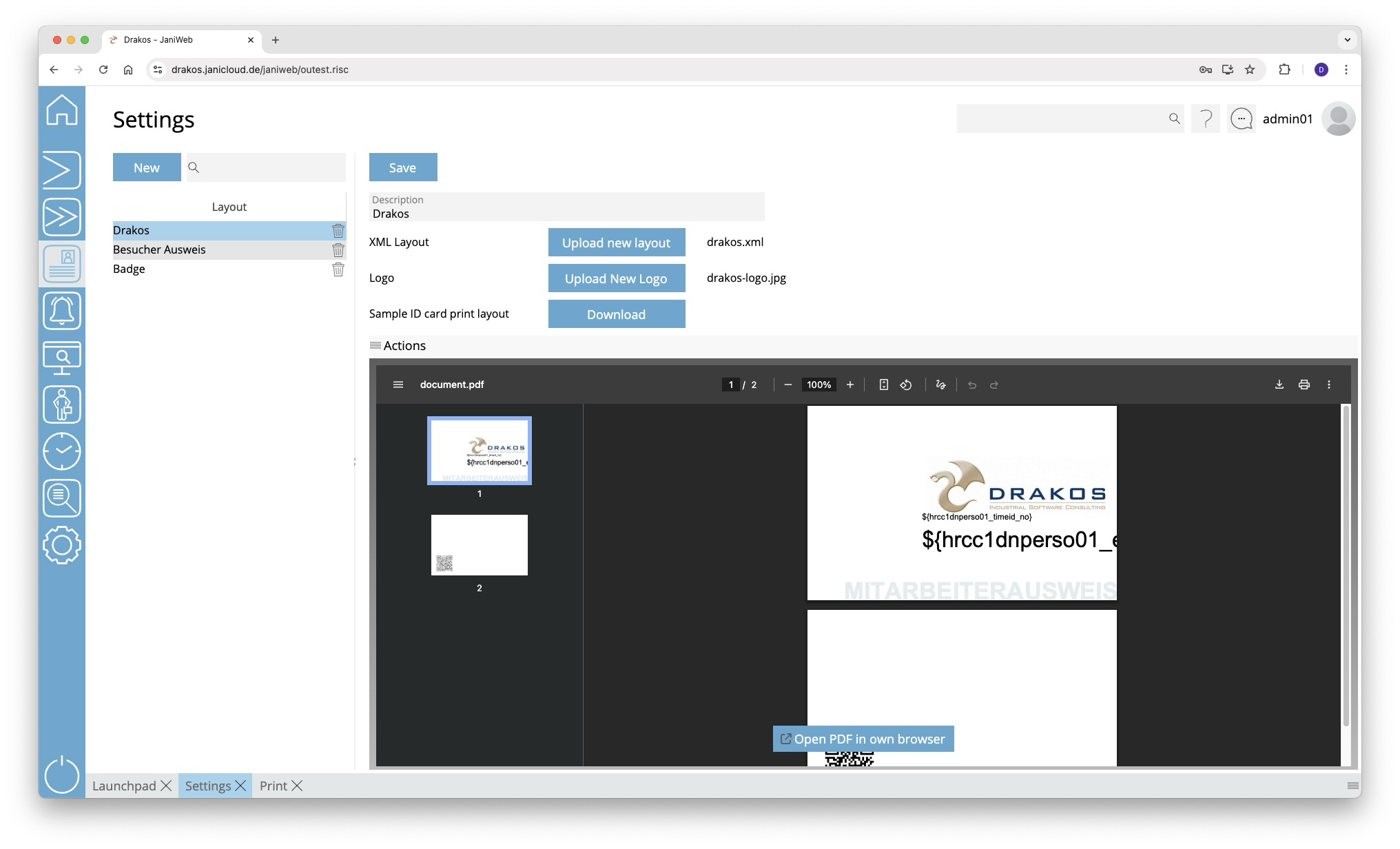
Use the menu item Settings to manage different layouts for badges.
List of layouts
The list contains the layouts that have already been created. Select an entry to view details and a preview.
Button New
Press New to create a new layout.
Detail area
Specify the details for the selected layout.
- Description: Enter a descriptive label for the layout.
- Upload new layout: Press this button and select a suitable layout file on your computer.
- Upload new Logo: Press this button and select a suitable logo file on your computer.
- Save: Press this button to save changes.
You can find an example badge layout here: SampleBadgePrintLayout.xml
TIPS
To create the layout, get in touch with your contact person at Drakos.