
Zone List
In the Zone List you can see which persons are in the respective zone.
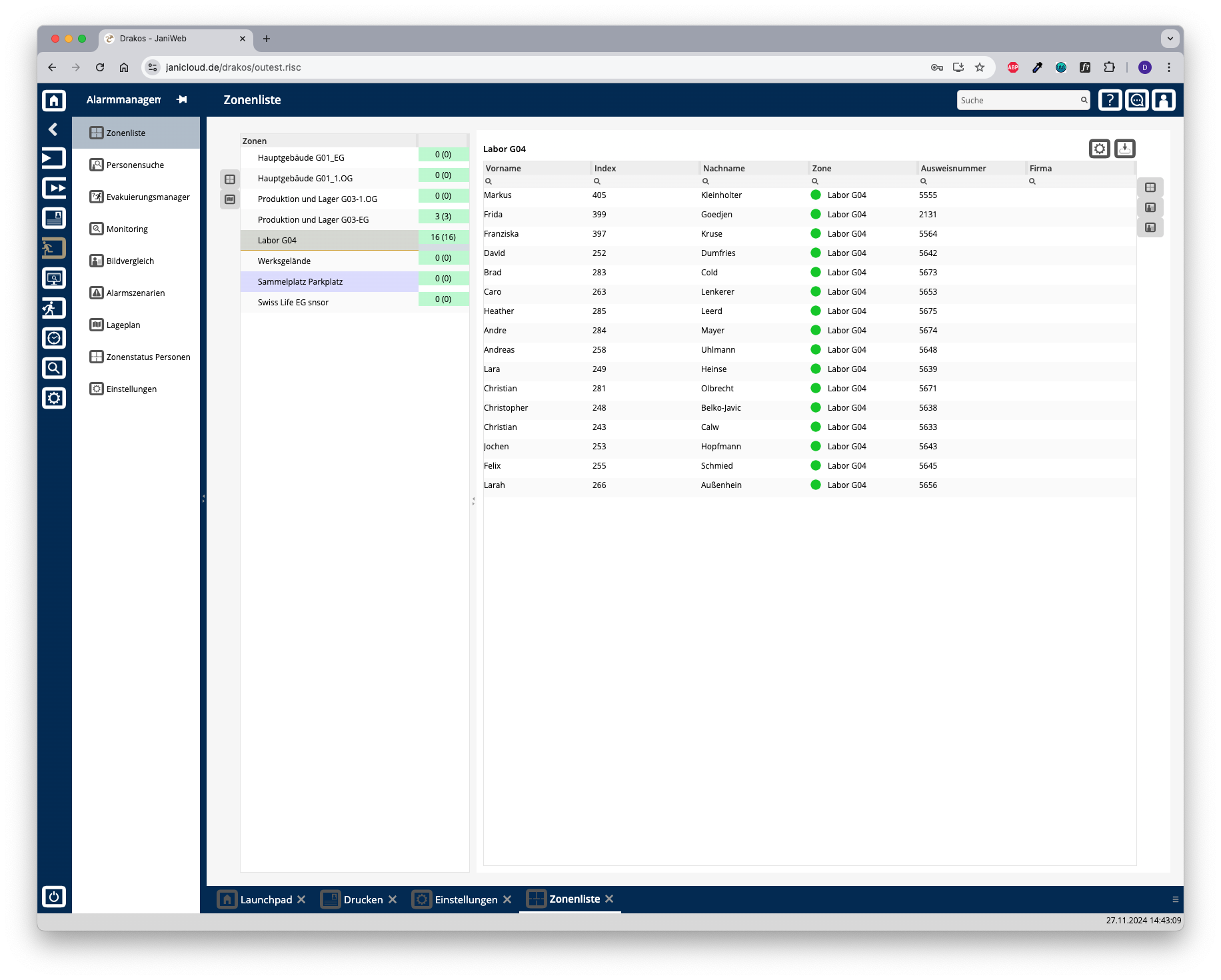
List of zones
The list contains all existing zones. Safe Zones are highlighted in blue. The right-hand column shows the Alarm Status of the zone and the number of persons in the zone. If a zone has sub-zones, the number in brackets indicates how many persons are in the main zone only.
Buttons for display format
Use the icons to the left of the zone list to choose between a tree structure and the site plan display.
Tree structure
Right-click on a zone to change its Alarm Status manually. Site plan
Site plan
The site plan shows the devices contained in the zone with their spatial position. The name of the zone is also displayed together with its Alarm Status.
List of persons
Use the icons to the right of the list of persons to choose between a list view, a view with pictures of the persons and a tile view. You also have the following options:
Export the entire list: Press the download icon. Select the format in which you want to export the list. The export files are downloaded or displayed depending on the browser/operating system settings.For details on the available export formats, see the General > Export Formats chapter of this manual.