
Companies
Use the menu item Companies to manage companies. Companies created here can be assigned to persons or visitors via the menu items Persons or Visitors.
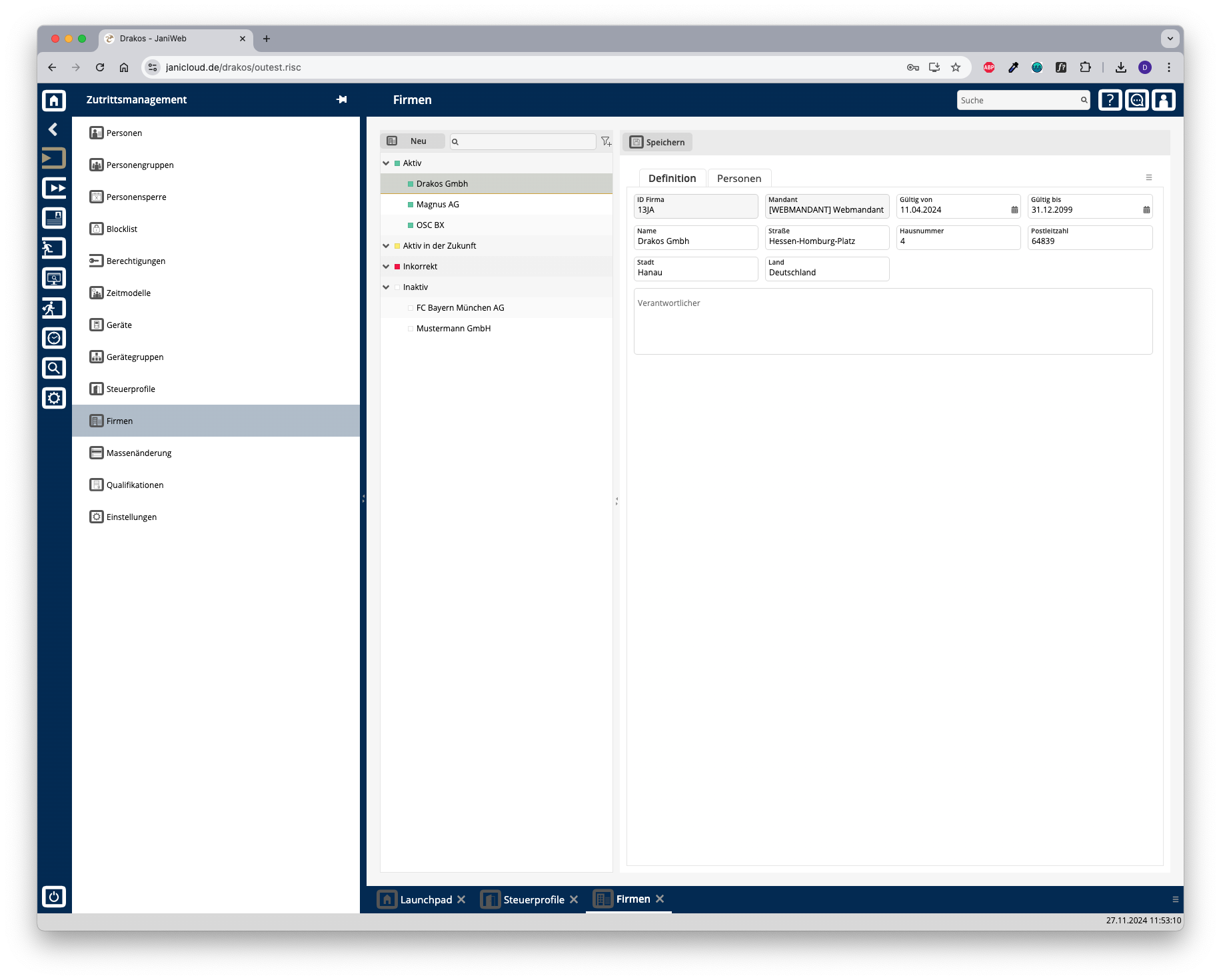
List of companies
The list contains the companies already created, sorted by their current status (Active, Active in future, Incorrect, Inactive). Select a company to view details.
The list offers the following options:
Button Save
You can change the details of the selected company. Press Save to save the changes.
Button New
Press New to create a new company. Enter the required information for the company on the tab Details and press Save.
Tab Persons
The tab Persons provides an overview of which persons are assigned to the respective company.