
Control Profiles
Use the menu item Control Profiles to link time models to devices to determine when access through the respective door should be possible.
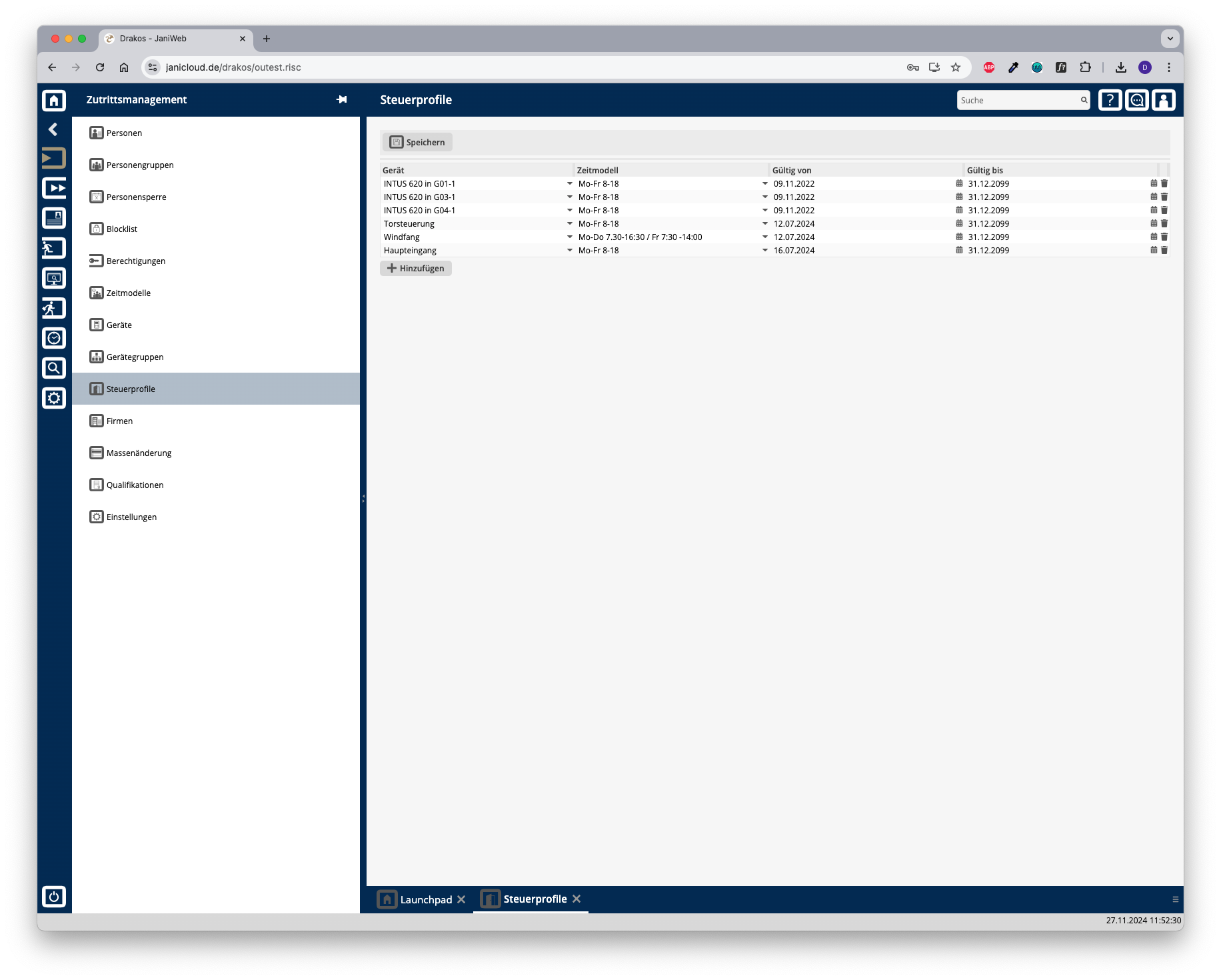
List of control profiles
The list contains the control profiles that have already been created. You have the following options here:
When a control profile has been created for a device, the doors associated with it will remain open during the time period specified in the assigned time model.
It is possible to create multiple control profiles for a device.
TIPS
Control profiles can also only be effective for a certain period of time. Use the Valid from and Valid to columns for this purpose.