Create Visits
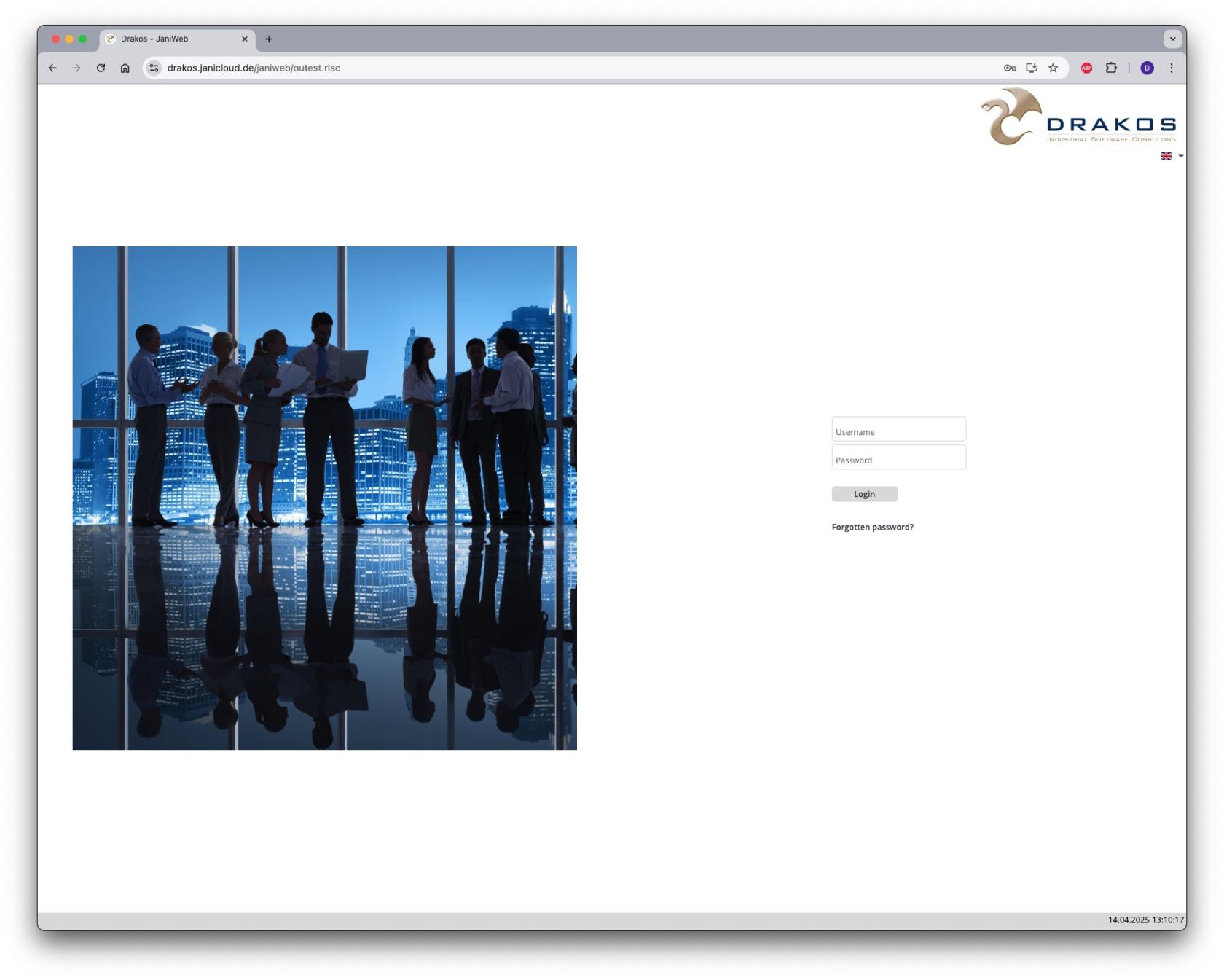
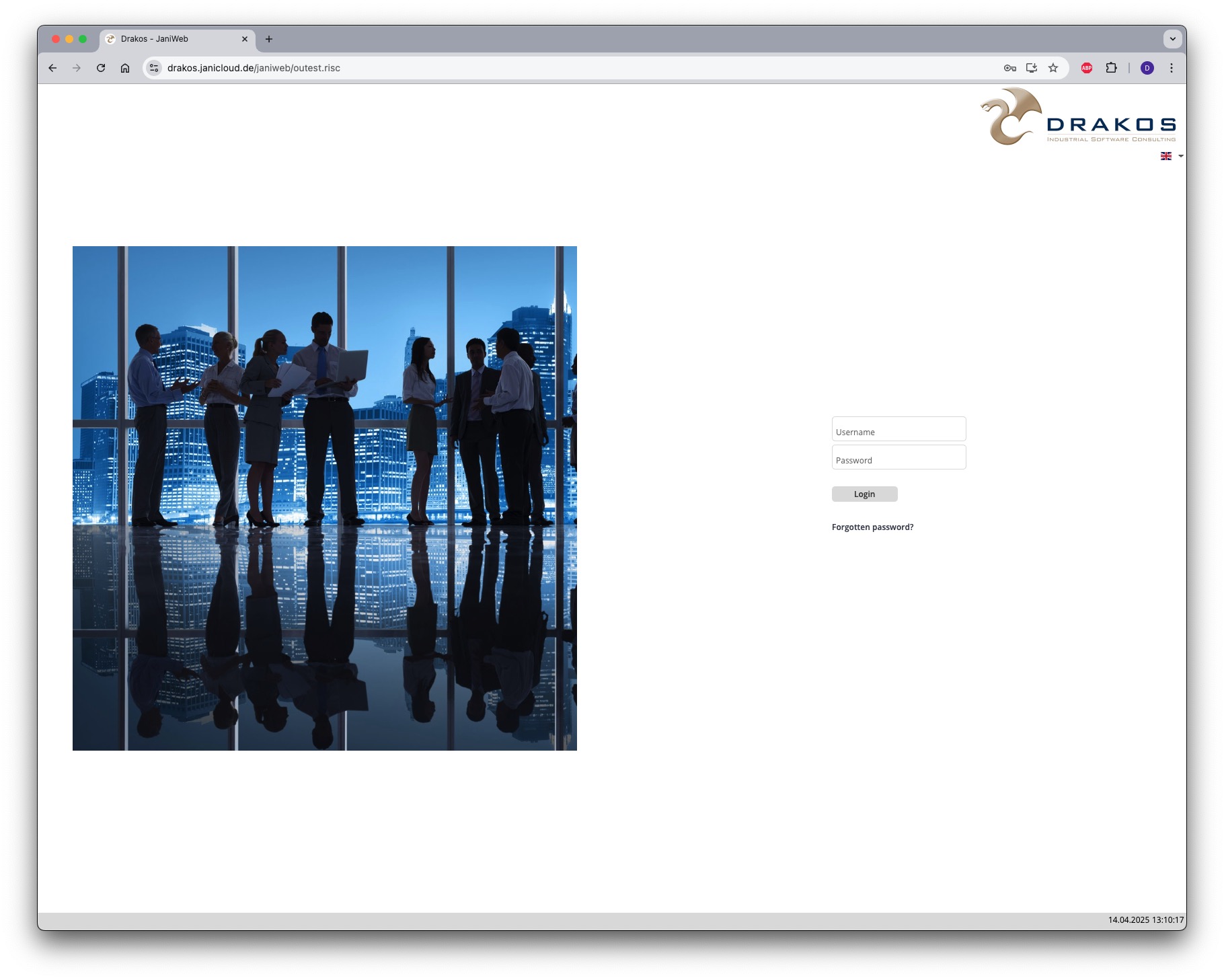
- Log in to the application
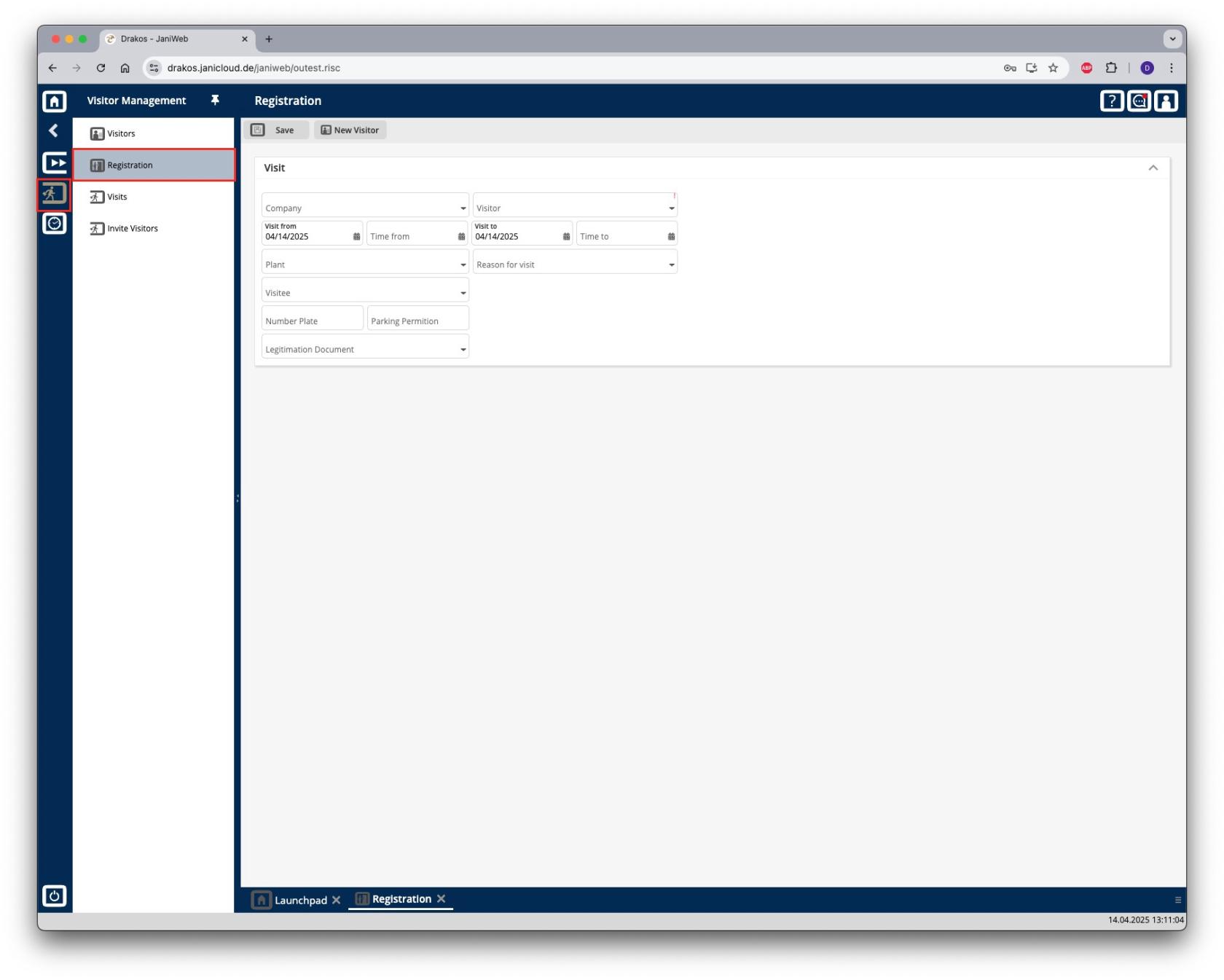
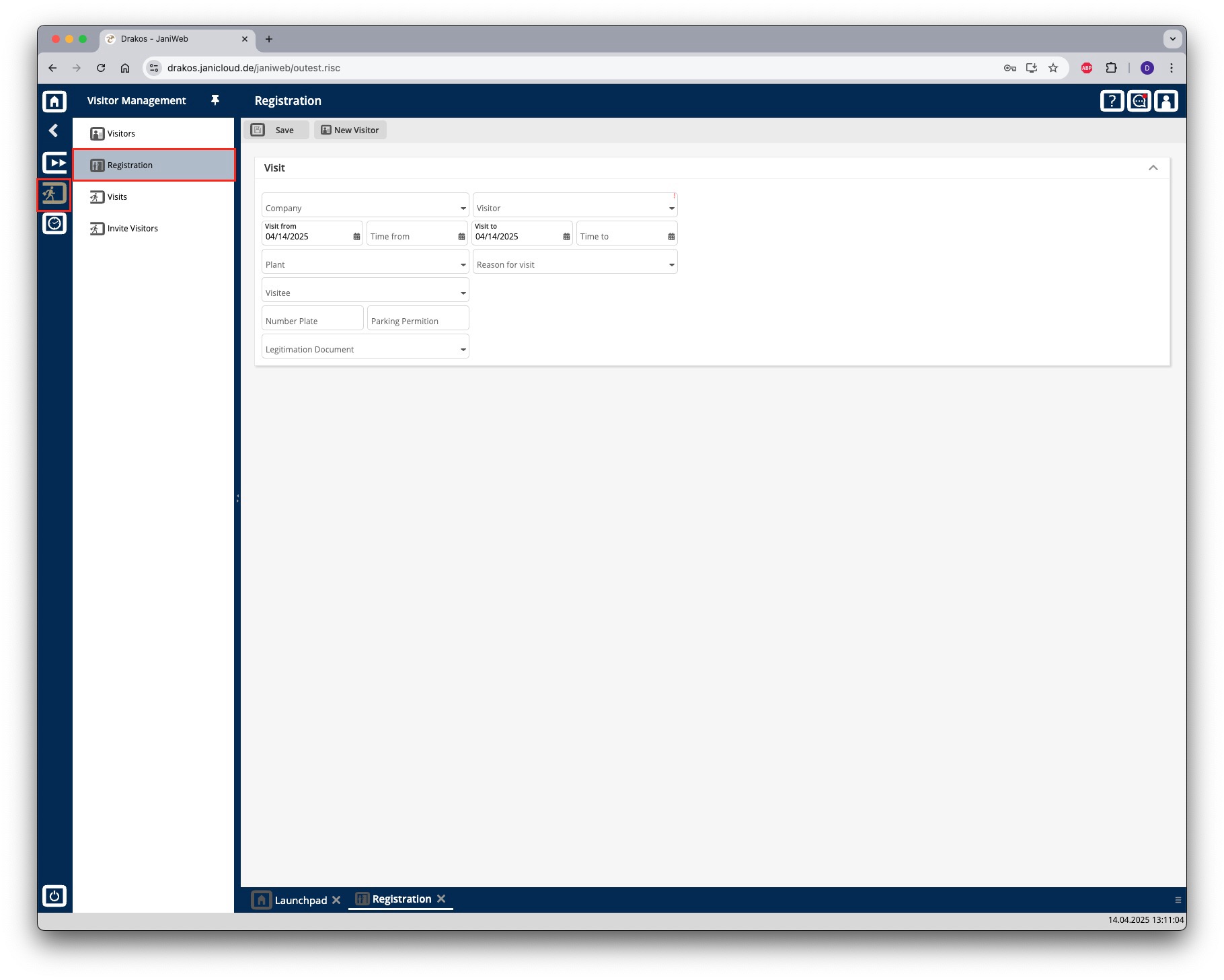
- Navigate to Registration in the menu
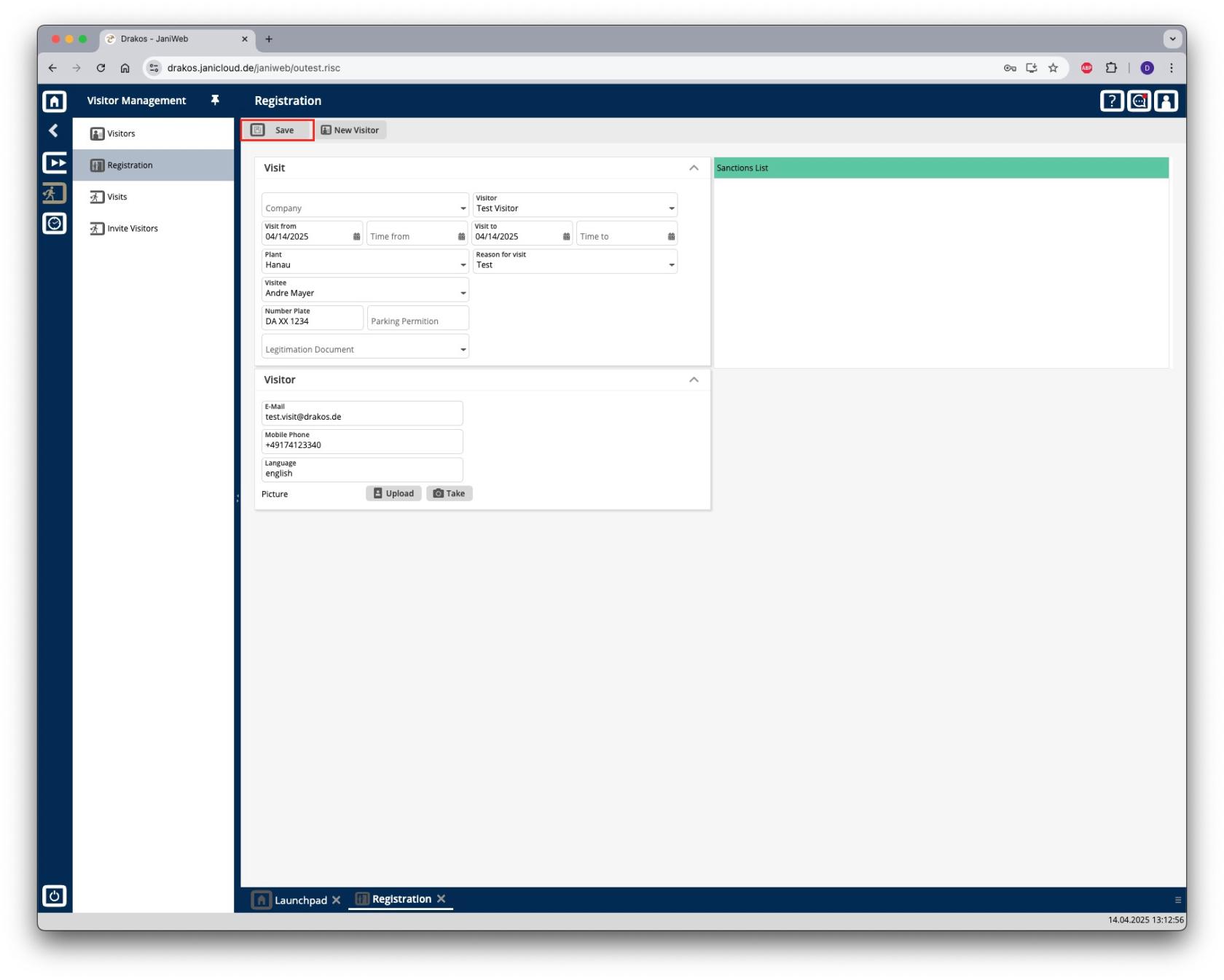
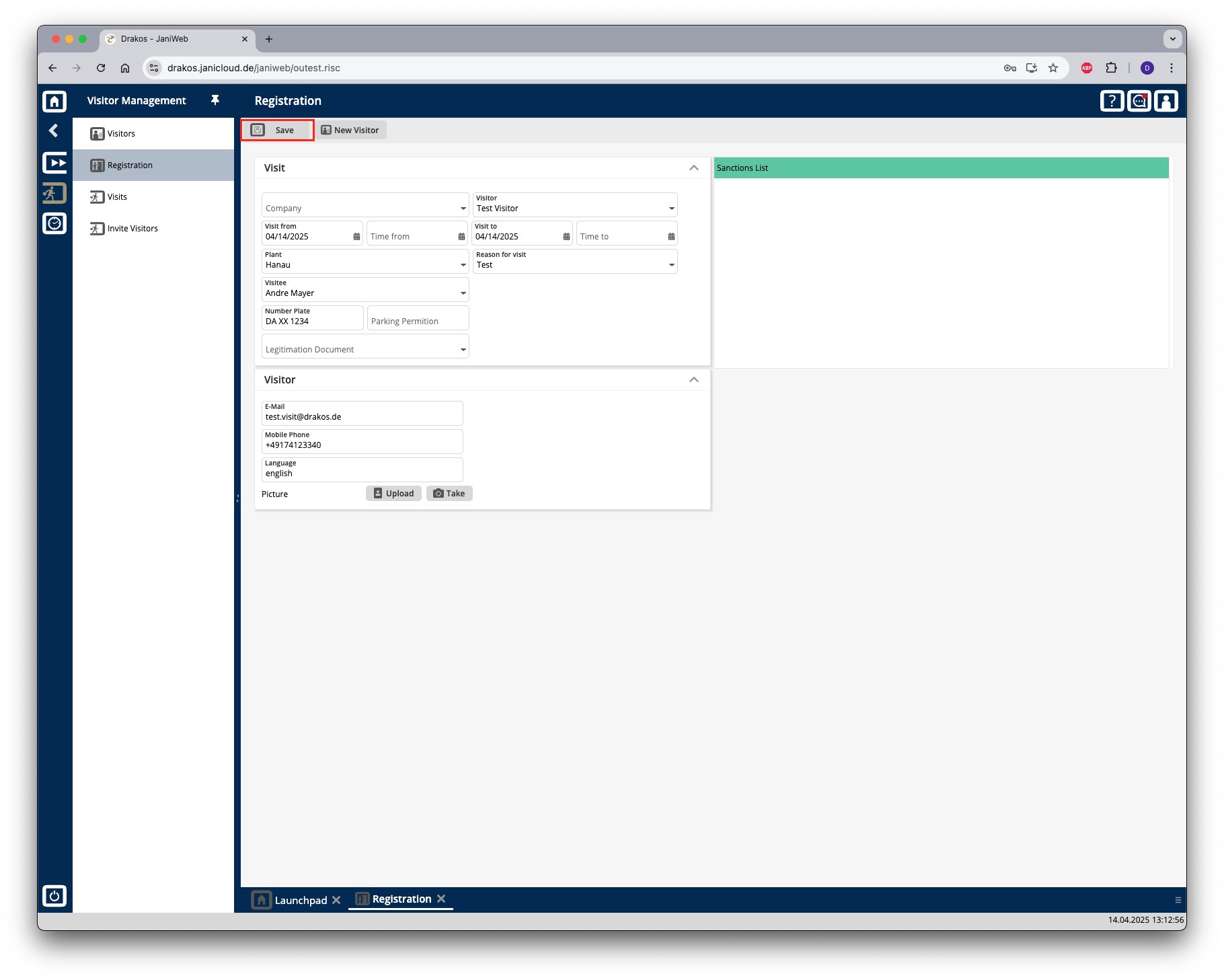
- Fill in the fields and confirm with Save
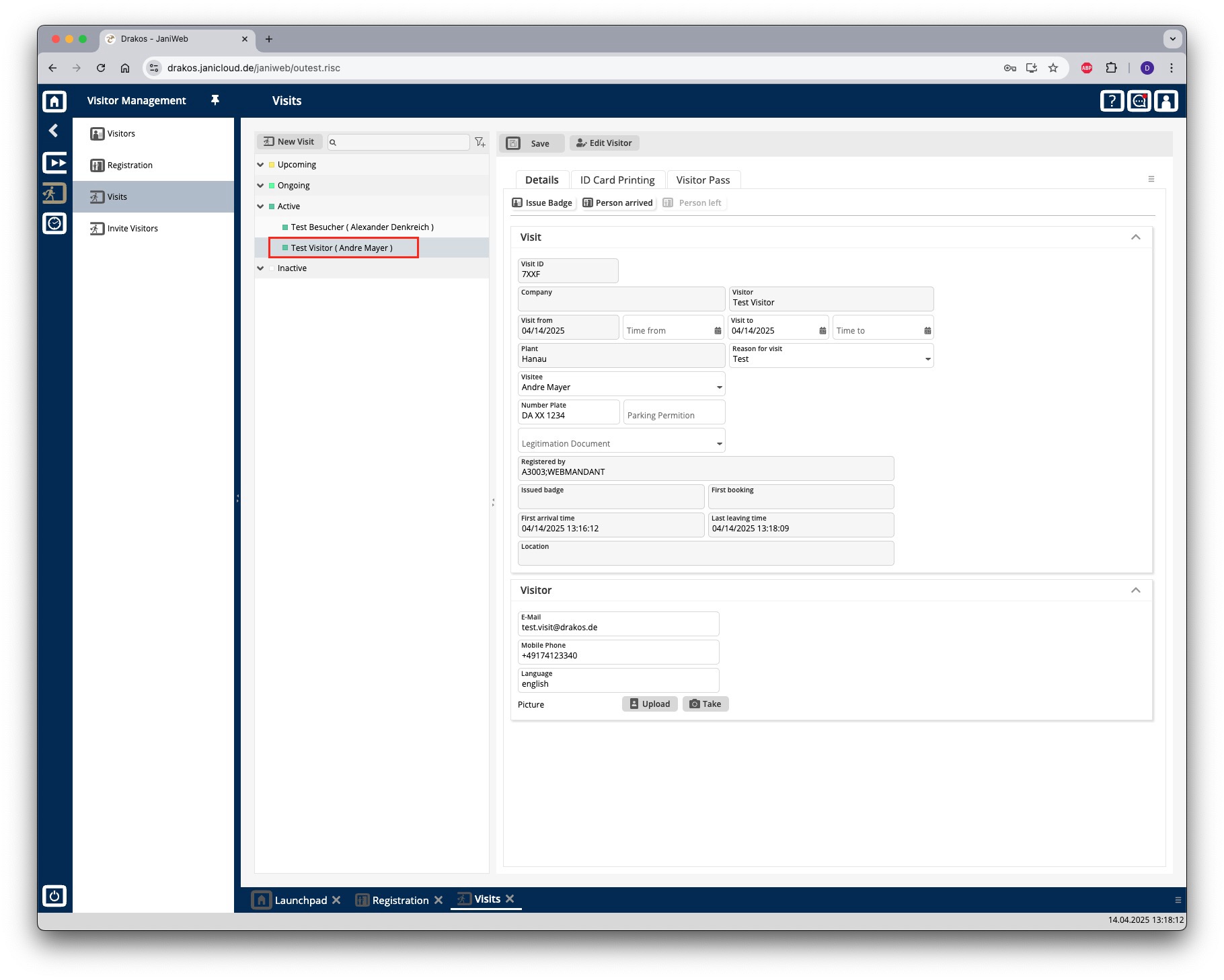
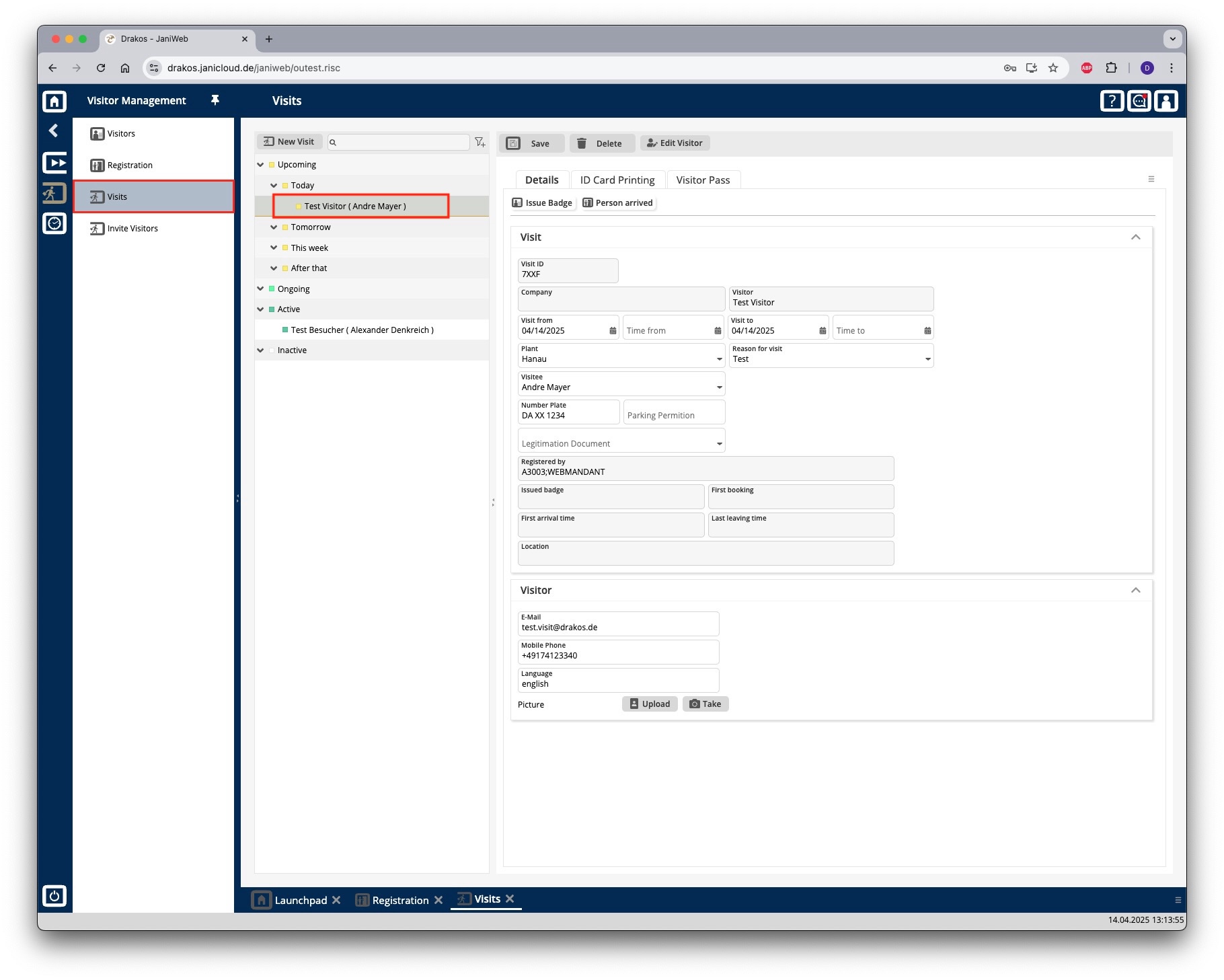
- The visit now appears under the menu item Visits below the Upcoming section
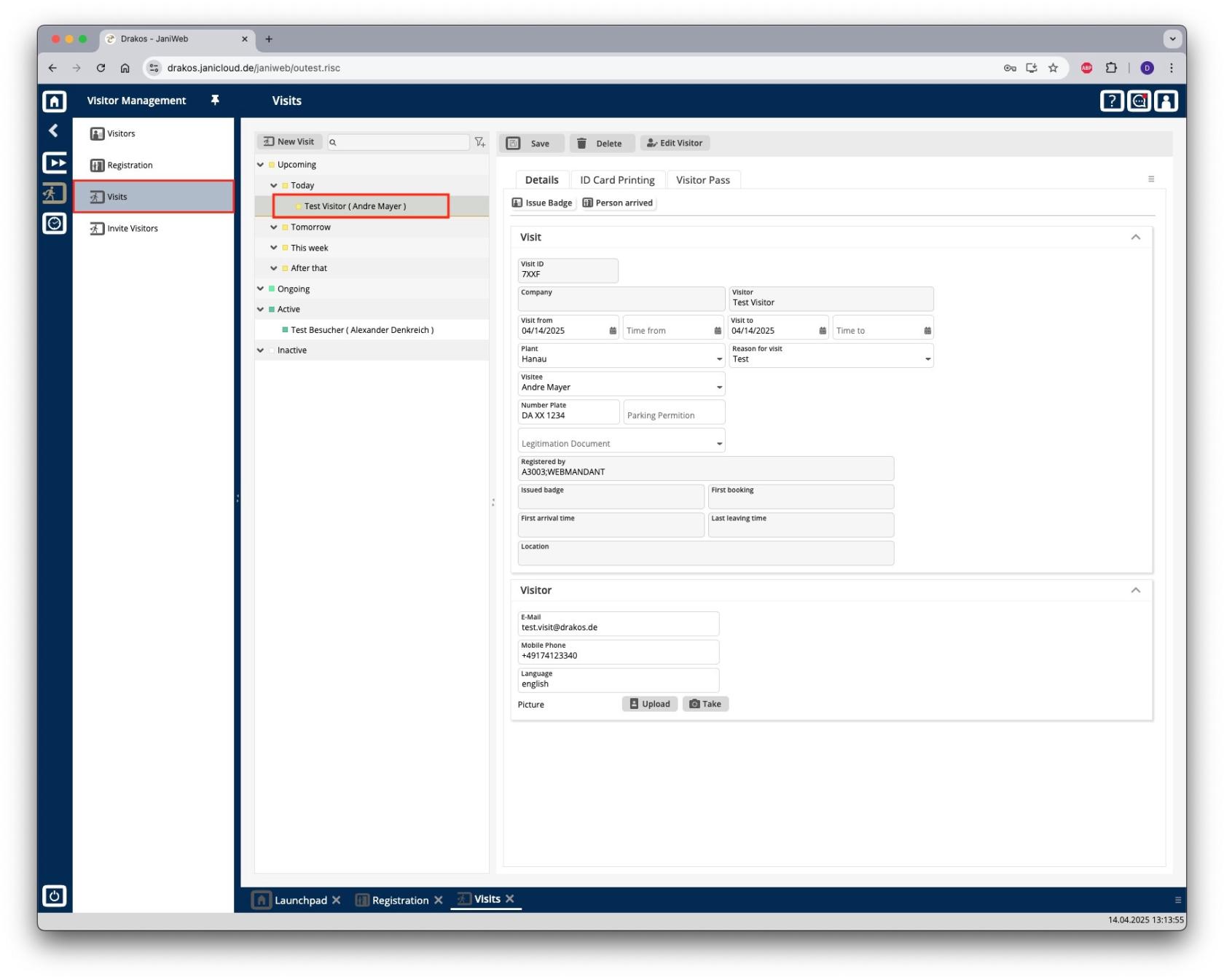
- A badge can now be issued here via the Issue Badge button
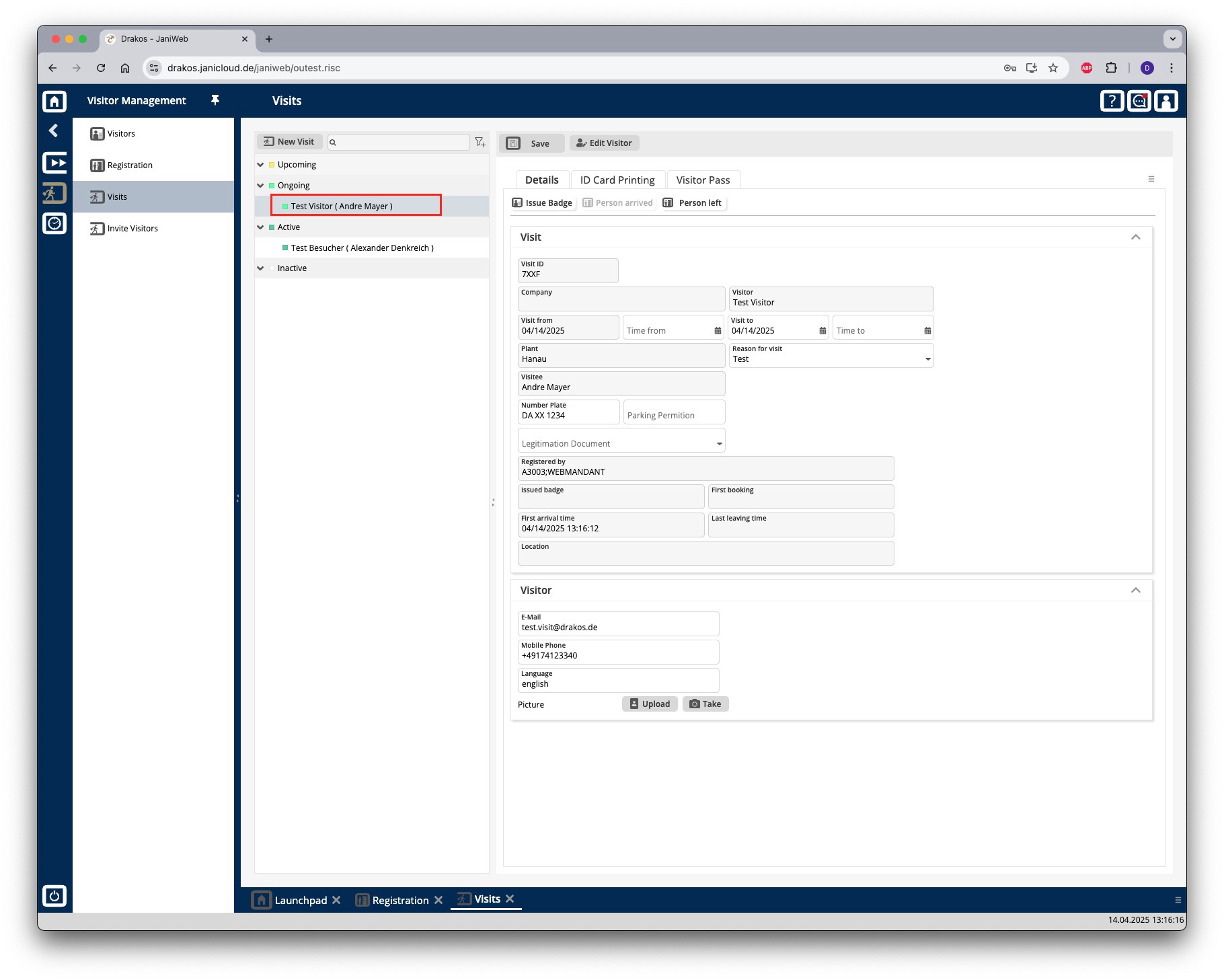
The visitor can be logged out via the Person left button
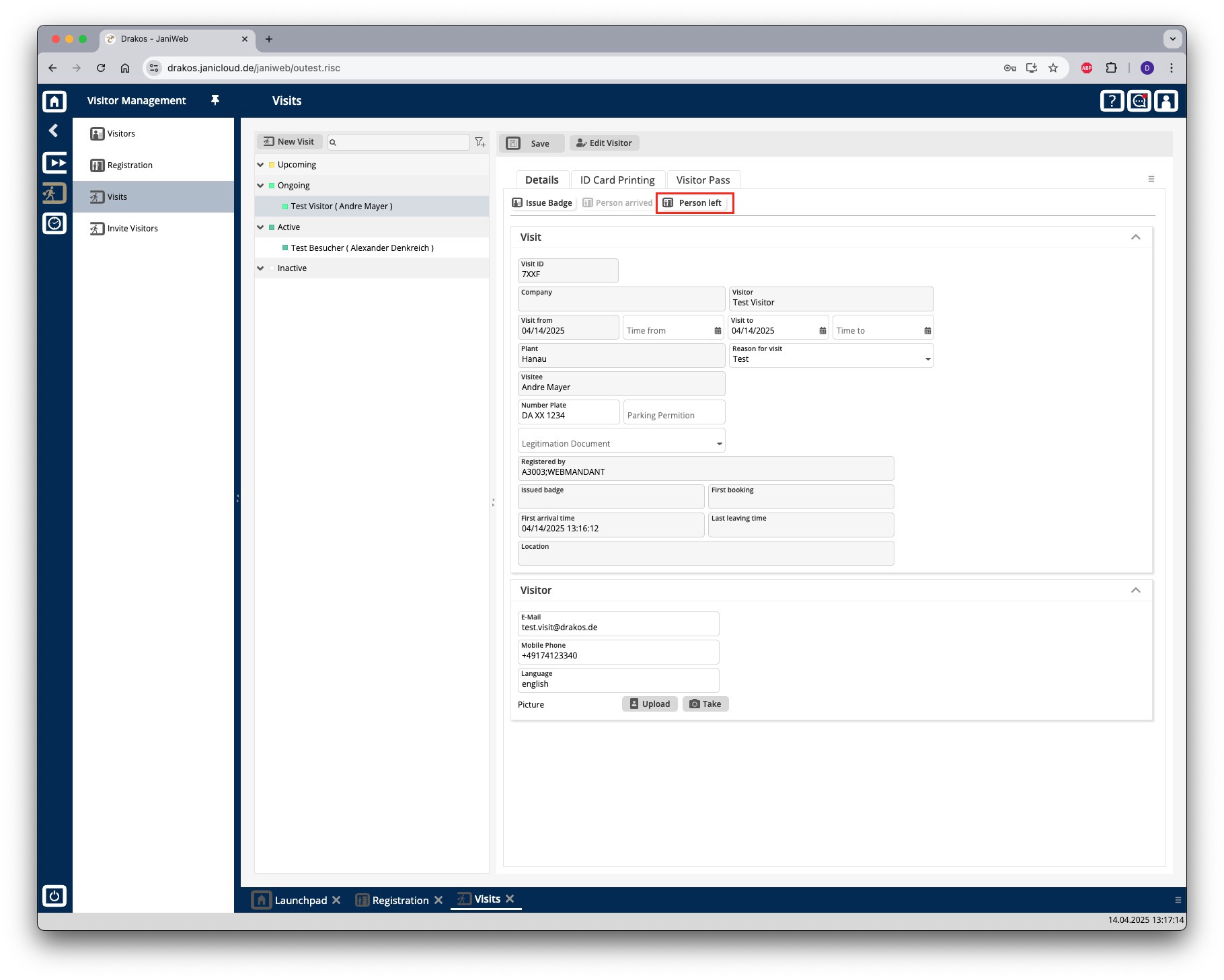
As long as the visit period has not yet expired, the visit appears below the Active section