
Lock Persons
The menu item Lock Persons allows you to block and unblock ID cards en masse based on certain criteria.
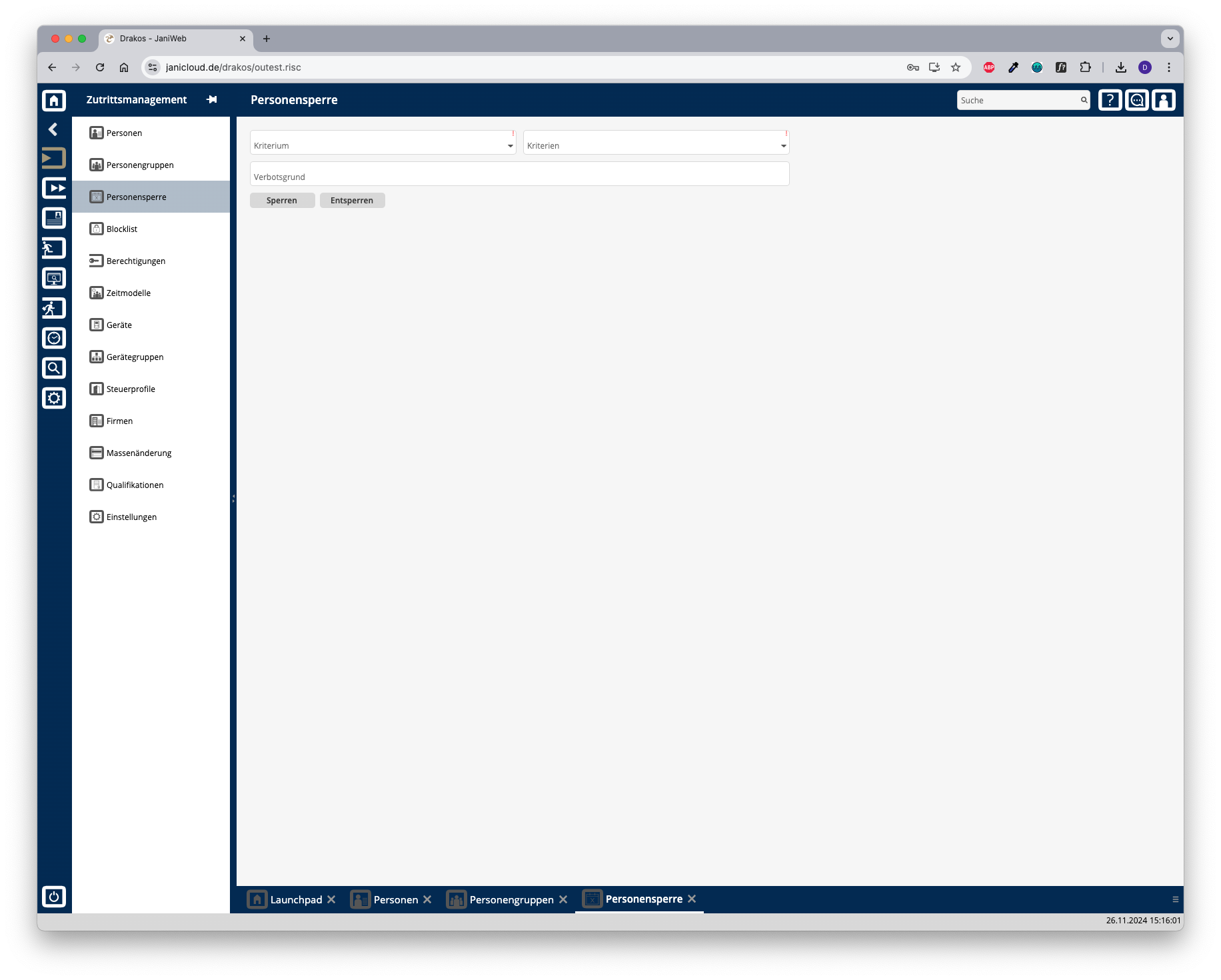
Locking persons
Unlocking persons
Follow steps 1 and 2 above and press Unlock.
The menu item Lock Persons allows you to block and unblock ID cards en masse based on certain criteria.
Follow steps 1 and 2 above and press Unlock.