
Persons
Use the menu item Persons to output a list of the existing personnel master records. All fields that describe a person can be displayed here.
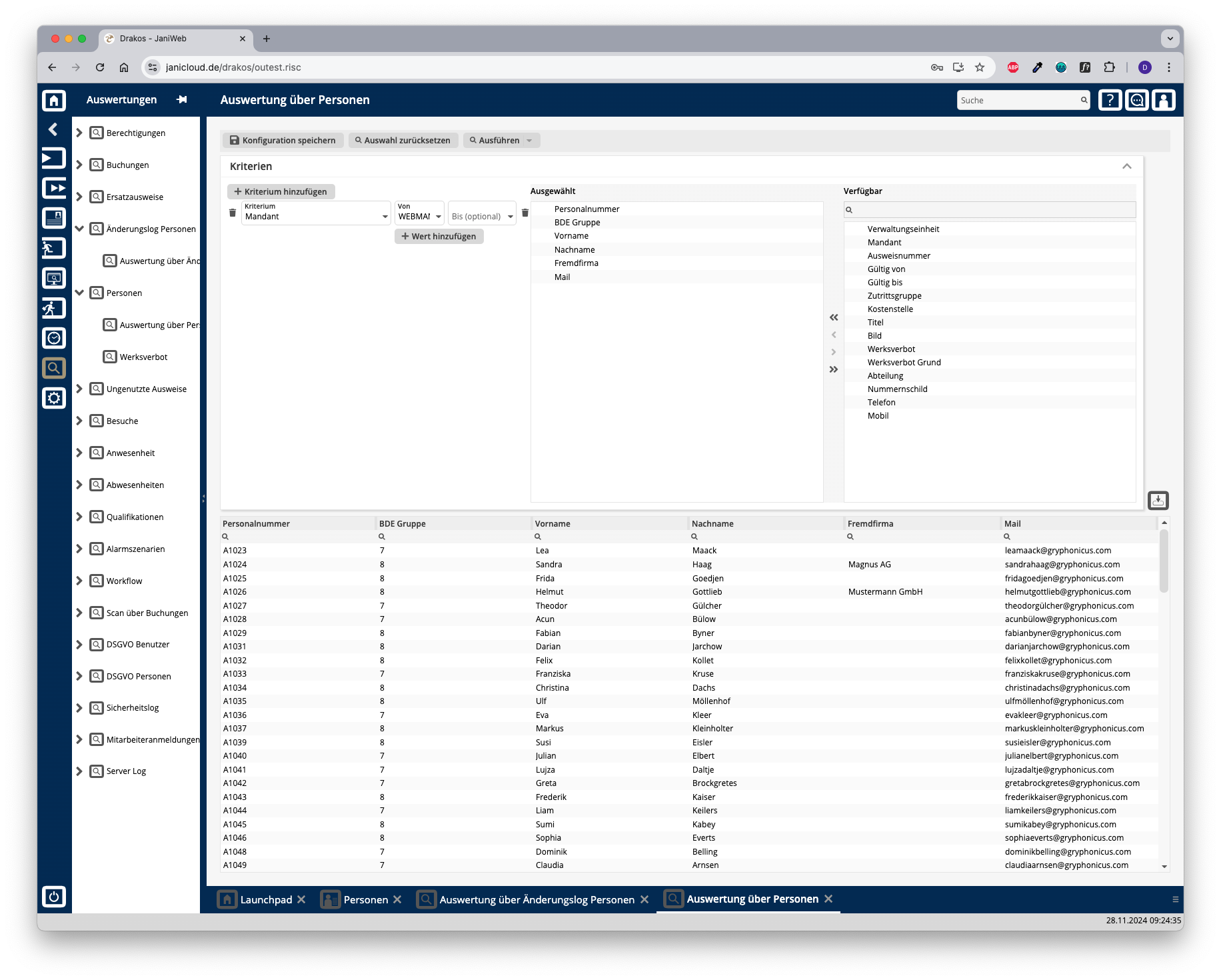
Creating the report
In this report, use criteria and values to define the group of persons to be evaluated and select the data fields to be displayed from a list. To do so, follow these steps:
Logic of criteria and values
Different criteria are linked logically by AND (all criteria must be met).
Further options with the report
Export the entire list: Press the download icon. Select the format in which you want to export the list. The export files are downloaded or displayed depending on the browser/operating system settings. For details on the available export formats, see the General > Export Formats chapter of this manual. Save report: For details on saving reports, see the chapter General > Custom Reports.
Button Reset Selection
Press Reset Selection to reset all fields to their initial value.