
Web Terminal
The Web Terminal allows you to enter time bookings via a browser.
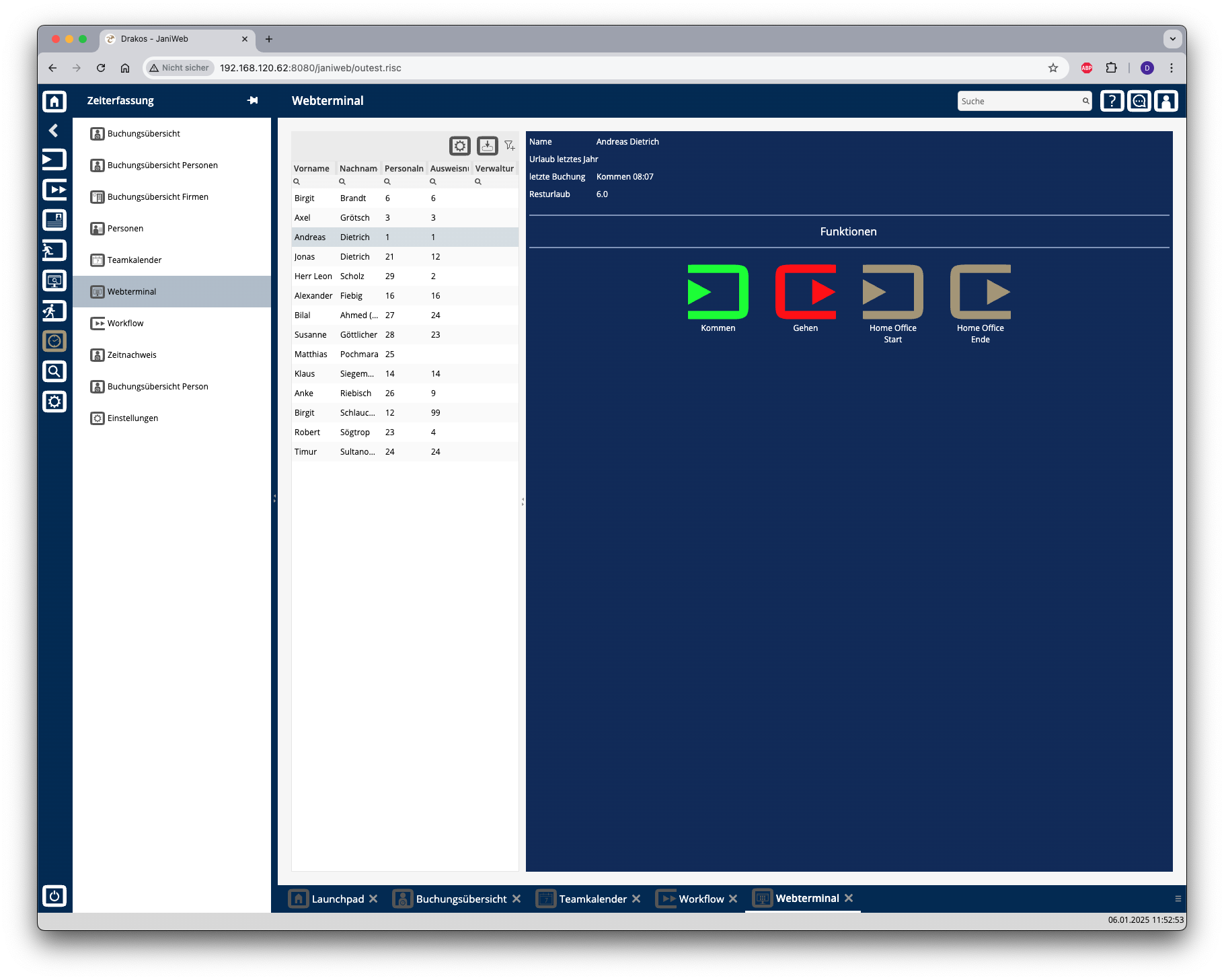
List of persons
Select the person you want to display the web terminal for.
The list offers the following options:
Tip: Search for substrings. You can find “Spencer-Churchill” with “spe”, “chur” or “hill”. The search is not case sensitive. Export the entire list: Press the download icon. Select the format in which you want to export the list. The export files are downloaded or displayed depending on the browser/operating system settings.For details on the available export formats, see the General > Export Formats chapter of this manual.
Buttons for bookings
Press the corresponding button to create a new booking. A colored message appears in the message area:
Status messages appear in the message area at the bottom of the screen.
You can specify which buttons are available here in the menu item Settings, tab Web Terminal.