Workflow
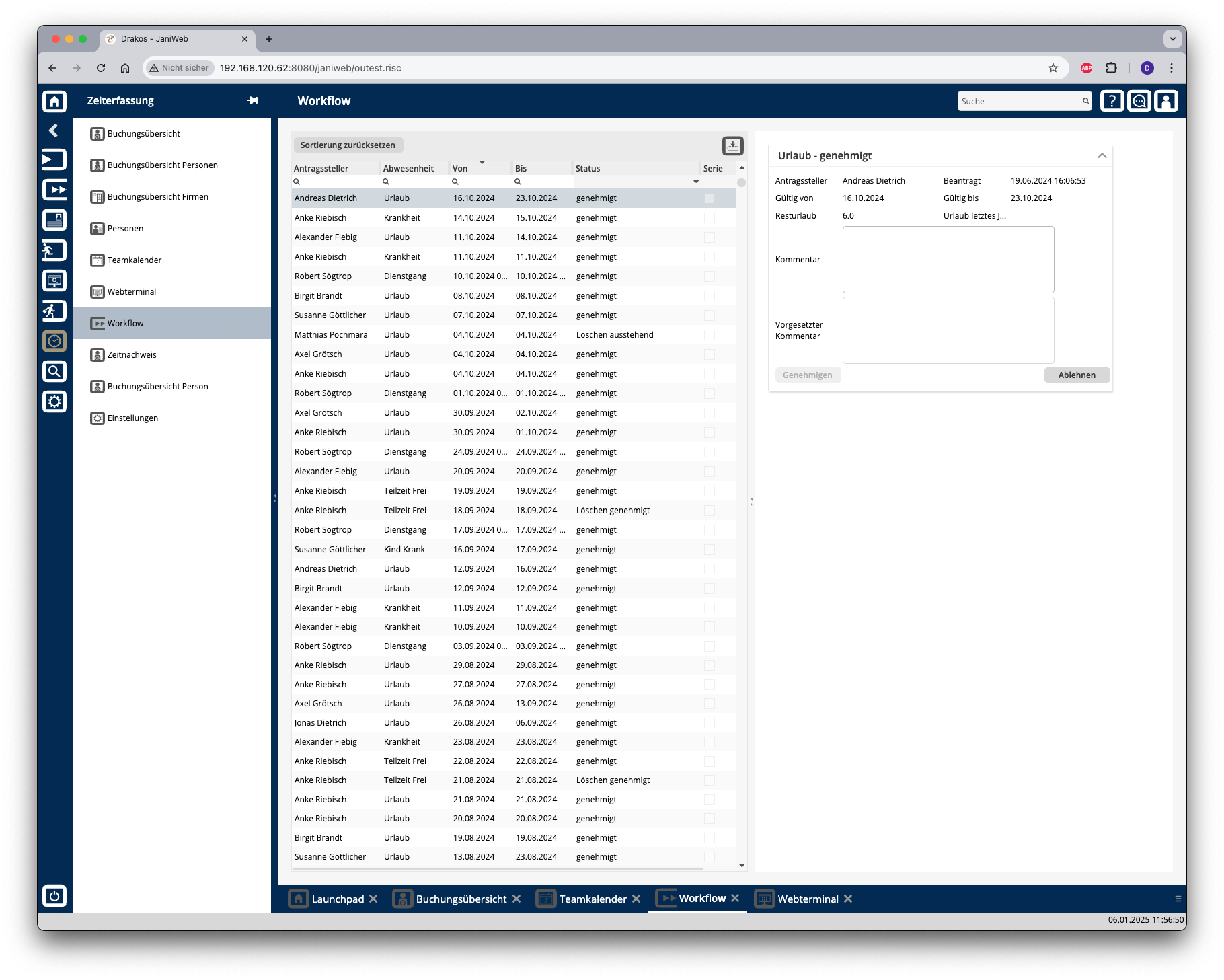
You can use the menu item Workflow to view the status of your workflow requests for time tracking and permissions. As a supervisor or a supervisor’s deputy, you can also edit workflow requests directly.
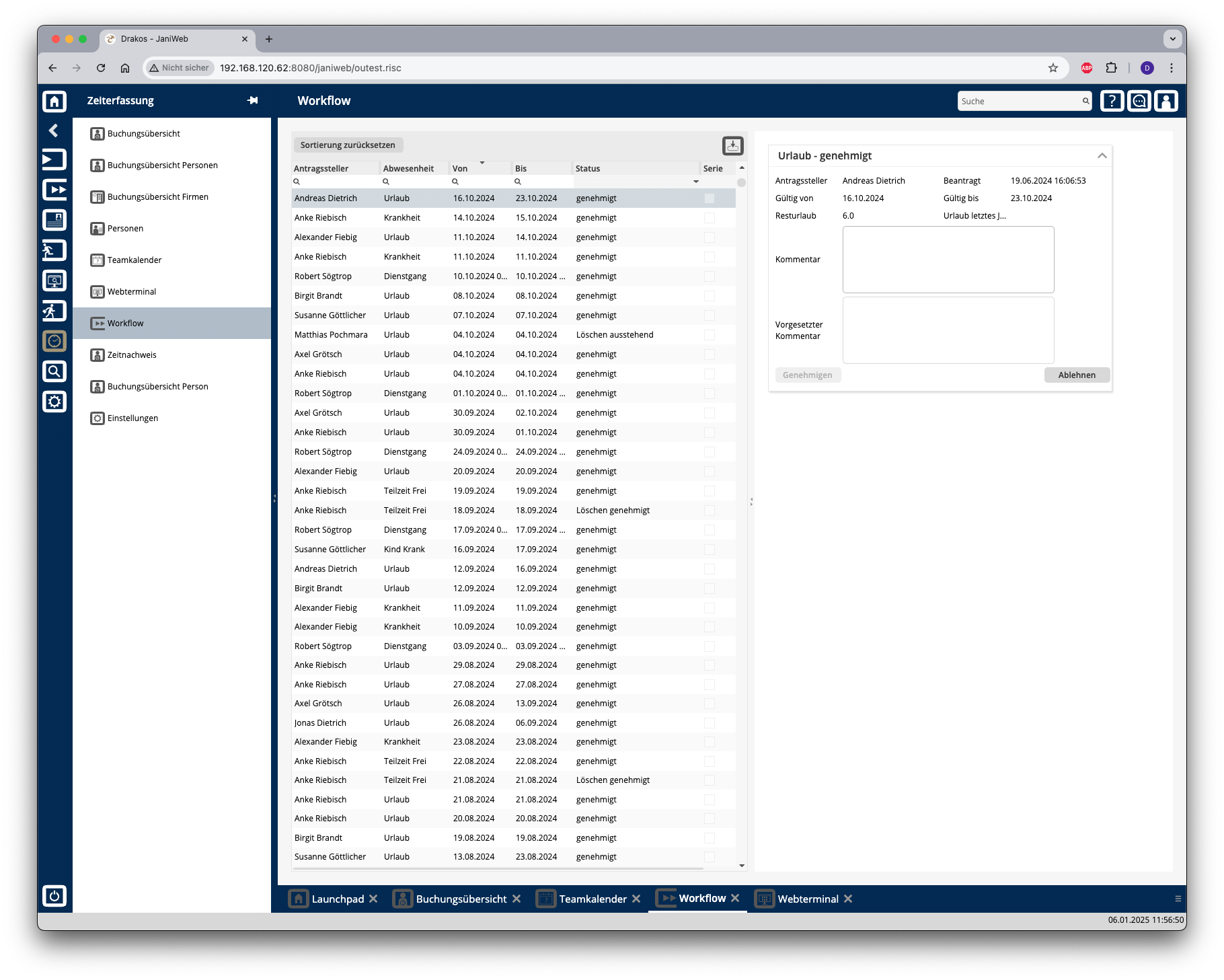
List of workflow requests
The list contains your active workflow requests. Select an entry to view details.
In the text field Comment Approver, enter a comment that will be displayed to the requester.
Press Approve to approve the request.
Press Decline to decline the request.
The list offers you further options:
Sorting by column: Click on a column header to sort the entries in ascending or descending order by this column.
Search: Enter text or numbers in the search field (magnifying glass icon) at the top to search for entries. The entries take effect immediately: the list only displays hits. The search is not case sensitive.
Filter by status: Open the list field in the Status column. Select the criteria for which you want to display entries. A set filter is saved and remains in place even after you log out. Press Reset Sorting to reset the filter and sorting.
Export the entire list: Press the download icon. Select the format in which you want to export the list. For details on the available export formats, see the General > Export Formats chapter of this manual.