
Attendance Board
The menu item Attendance Board provides you with an overview of the attendance status of all or selected employees.
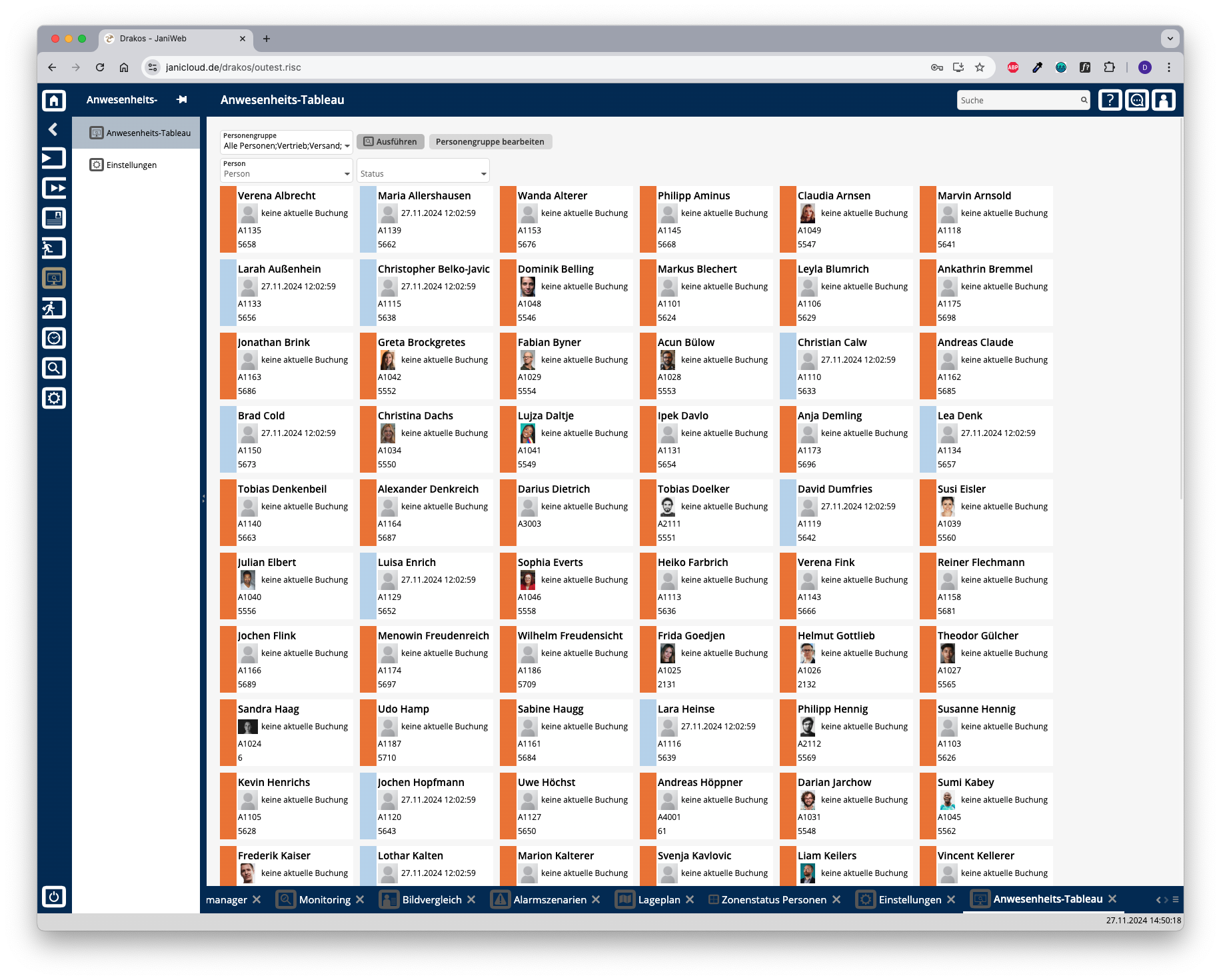
List field Person Groups
Select the person group(s) for which the attendance status should appear and press Run.
Button Run
Press Run to update the view according to the selected criteria.
Button Edit person group
Press this button to view the definitions of the person groups or to add a new person group. For more information on creating person groups, see the section Person Groups.
Filter displayed persons
Use the following fields to filter the persons displayed.
Press Run to refresh the view.