
Bulk Modification
You can edit or delete multiple persons at the same time using the Bulk Modification menu item.
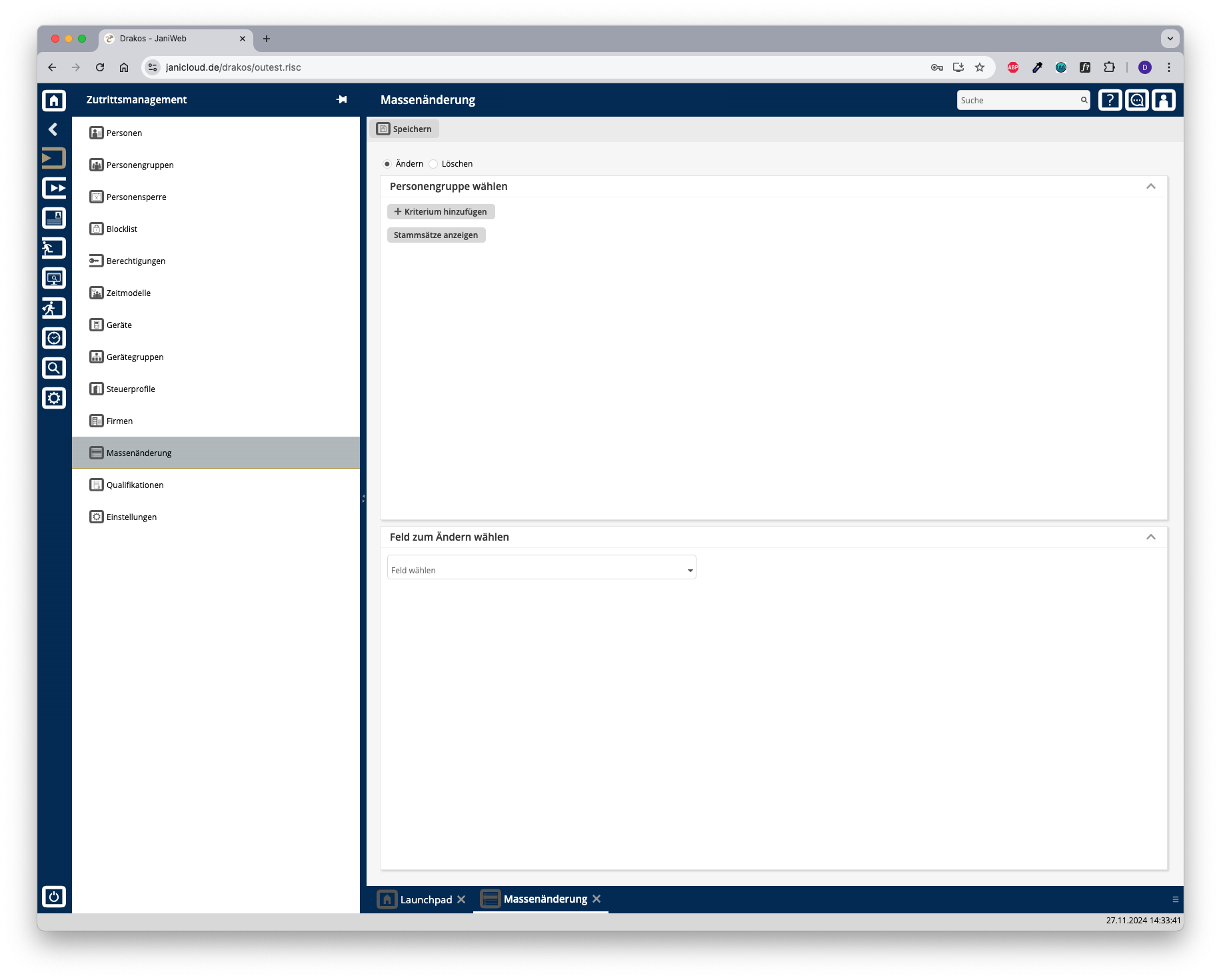
Radio buttons Change/Delete
Select whether you want to use the bulk modification to Change or Delete.
Area Select Persons
Enter the criteria for selecting the persons to be changed or deleted.
Press Show Records to display the master records selected for change or deletion.
Logic of criteria and values
Different criteria are linked logically by AND (all criteria must be met).
Area Select a field to change
This area appears if you have selected Change at the top.
Enter the new value. Press Save to execute the bulk modification. A confirmation dialog appears.
Area Delete permissions/master records
This area appears if you have selected Delete at the top.
Select Access permissions expired before. Master records of the selected persons that have expired by a certain date (the master records are completely removed from the system):
Select Master records expired before.
Enter an expiration date. Press Save to remove the selected data.