
Person Groups
You can use the menu item Person Groups to group staff according to departments or other criteria.
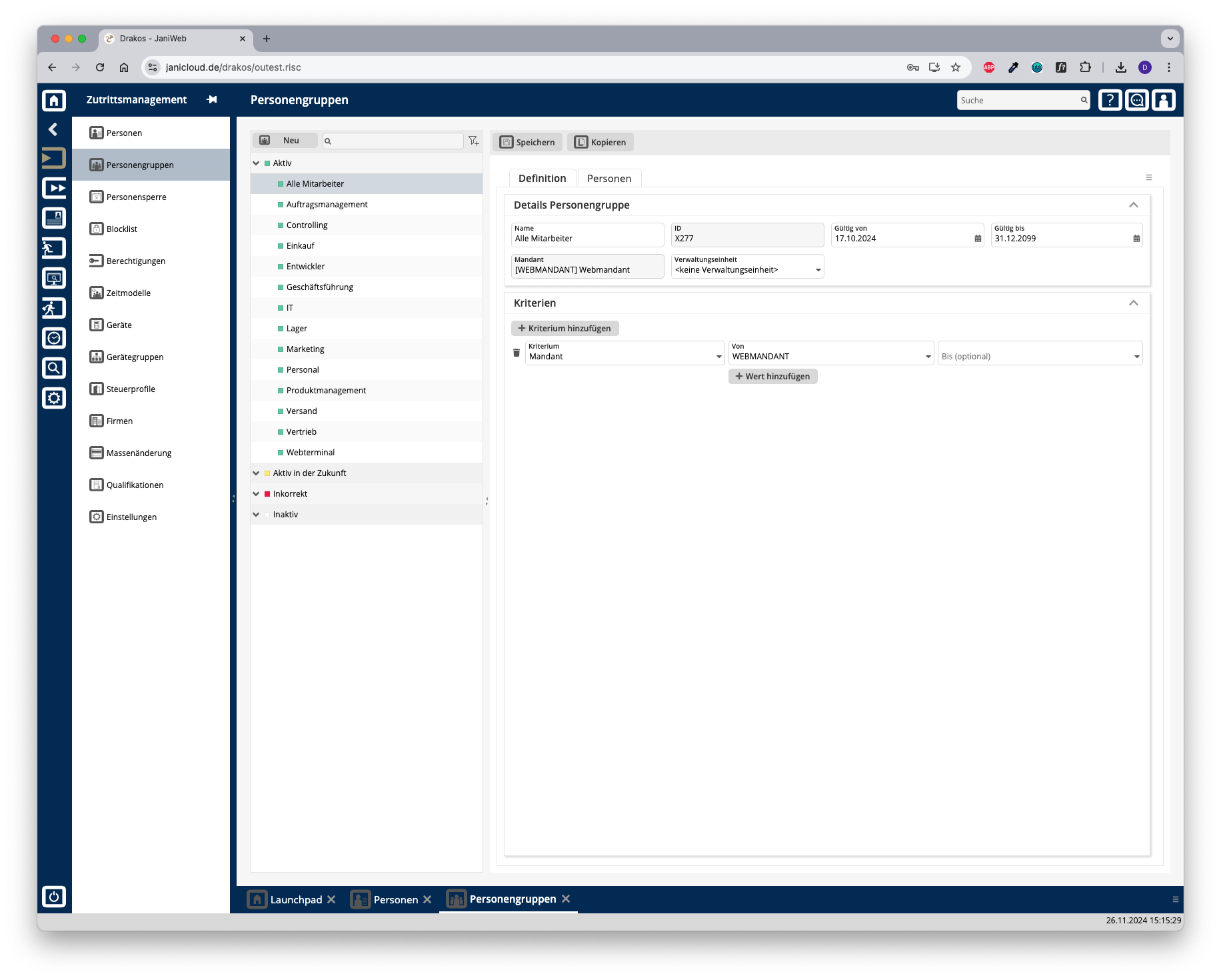
List of person groups
The list contains all person groups already created, grouped by their status. Select a person group to view details.
The list offers the following options:
Button New
Press New to create a new person group. Enter a description, a validity period, and a client, and press Save.
Tab Definition
Area Person Group Details
Define the details of the person group, such as the label and validity period.
Area Criteria Values
Specify the criteria according to which the person group is formed. To add a new criterion:
Logic of criteria and values
Different criteria are linked logically by AND (all criteria must be met).
Tab Persons
The list displayed here contains all persons who belong to the selected person group. Persons in this list have either been assigned automatically based on criteria or added manually.
Furthermore, the list offers the following options:
Tip: Search for substrings. You can find “Spencer-Churchill” with “spe”, “chur” or “hill”. The search is not case sensitive. Export the entire list: Press the download icon. Select the format in which you want to export the list. The export files are downloaded or displayed depending on the browser/operating system settings. For details on the available export formats, see the General > Export Formats chapter of this manual.